A one-person WordPress business only needs to pay for at most two or three plugins — the WordPress plugins genuinely worth paying for are a short list. That’s not a marketing line; it’s the conclusion I’ve reached after years of running my own solo operation and testing dozens of options. The average WordPress site runs 20 to 30 plugins. Most of that overhead is paid subscriptions stacking up for tasks a single well-chosen tool could do. A solopreneur can cut that paid count to under three by picking efficient multi-job tools and letting the free tiers do the heavy lifting.
Start with the free alternative and run it until a specific paid feature directly generates more revenue than it costs. Not “might help someday.” Not “looks nice.” If the upgrade doesn’t put more money in your pocket than it takes out, you don’t need it yet. That discipline is what keeps a one-person site lean without giving up performance, security, or growth.
Each recommendation in this guide follows the same format: one paid pick, one free alternative, and a clear explanation of what the money actually buys. No lists of four options to compare, no decision paralysis. Just the choice that makes sense for a solo founder, and the free fallback that covers you until revenue justifies the upgrade.
This isn’t affiliate-driven curation. The strategy comes from years of running a one-person business, testing what holds up under real load, and being honest about what’s genuinely worth paying for. If you need the WordPress plugins that are must-haves for a small business, this is your shortlist. If you want the plugins for solopreneurs that actually earn their keep, here you go. Read through the sections on backups, caching, SEO, security, forms, and memberships. By the end, you’ll know exactly which plugins deserve your money and which free versions are good enough.
On this page
Backups and Security: The One Investment You Cannot Skip
If one category makes the case for paid plugins clear, it’s backups and security. Losing years of content to a failed migration or watching a hacked site get defaced costs far more than any plugin subscription ever will. For a one-person operation, backups and security aren’t optional. They’re insurance you can’t skip.
| Backup | Security | |
|---|---|---|
| Free option | UpdraftPlus lets you manually back up to cloud storage | Wordfence Free includes a basic firewall and malware scanner |
| What the free version lacks | Scheduled automatic backups, incremental backups, and site migration | Real-time firewall rule updates and country blocking, which block 90%+ of brute force attacks |
| Paid pick | UpdraftPlus Premium | Wordfence Premium |
| What the money buys | Set-and-forget reliability, so a single data loss doesn’t wipe out years of content | Instant protection against new threats, advanced blocking, and premium support. A single hacked site costs far more than the annual fee |
The free tiers are genuinely useful for a brand-new site with no traffic to lose. UpdraftPlus will handle a manual backup whenever you remember to run one, and Wordfence Free catches the basics. But both have a ceiling. Once you have regular visitors, a manual backup routine is a risk you’re taking on purpose, and a firewall that updates on a delay is a door left ajar for new attack vectors.
These are the first paid upgrades I’d make. The math is simple: one data loss event or one hacked site wipes out more time, money, and momentum than a decade of plugin fees. This is the category where paid plugins earn their keep before any other does.
Caching and Speed: Why We Run a Free Plugin at Scale
On my own site, I run LiteSpeed Cache, and it costs me nothing. That’s not a compromise or a placeholder until I can afford something better. It’s the plugin I’d pick even if I had a bigger budget. LiteSpeed Cache only works on LiteSpeed servers, which is the one real constraint. If you’re on that stack, everything else is a bonus.
The free version bundles page caching, image optimization, and critical CSS generation into a single plugin. Doing those three jobs would normally mean installing multiple tools or paying for a premium tier somewhere. LiteSpeed Cache just does them, and on a decent host it delivers sub-second load times for content-heavy sites without any paid add-ons. I’ve watched image-heavy pages render in under a second with nothing but the default settings. That’s the measurable outcome, and it’s hard to argue with.
So where does WP Rocket fit in? It’s the paid alternative that makes sense mainly for people on Apache or Nginx who don’t want to tinker. If LiteSpeed Cache isn’t an option because of your host, WP Rocket’s money buys simplified configuration, automatic database cleanup, and CDN integration, all the things you’d otherwise fiddle with manually. It’s a reasonable fallback off the LiteSpeed stack, and for a one-person site that doesn’t want to spend evenings reading caching documentation, it earns its keep.
But here’s my honest bottom line: for most solopreneurs on LiteSpeed hosts, paying for a caching plugin is like paying for air. The free alternatives in this category are genuinely complete. Use LiteSpeed Cache until your traffic demands a CDN, and only then consider WP Rocket’s bundled solution. When I look at the best caching options available in 2026, the fact that the strongest tool is free tells you everything about where your money should go.
SEO and Visibility: Rank Math’s Free Core Covers Nearly Everything
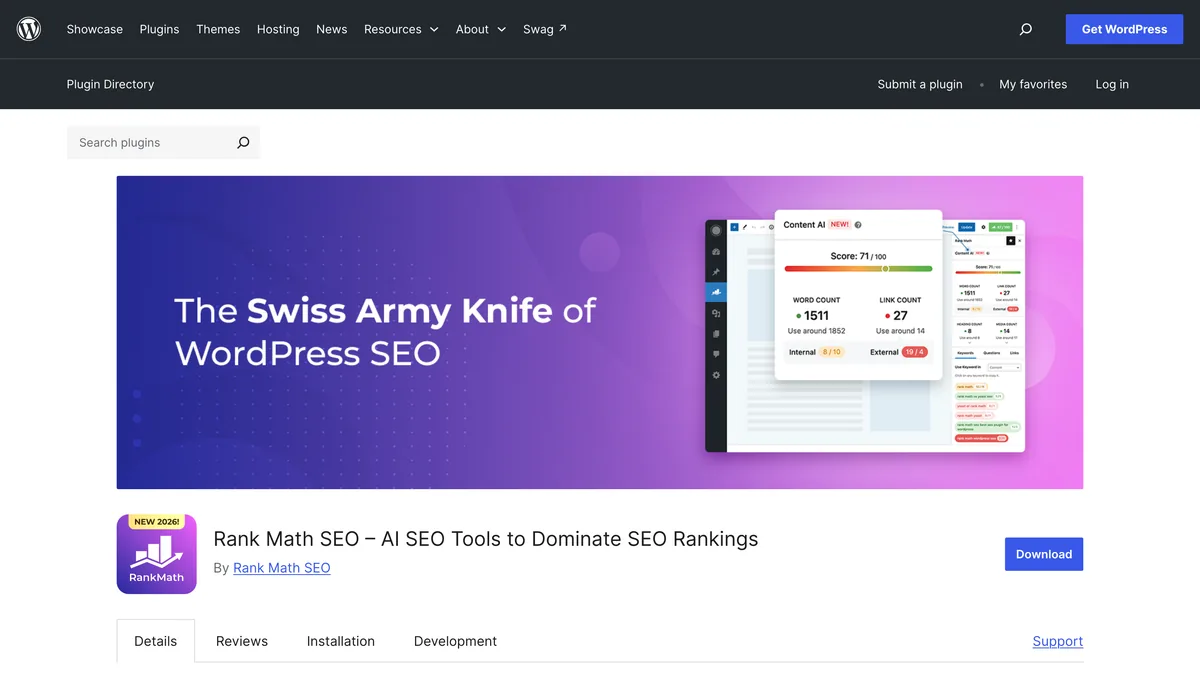
SEO is the category where the premium vs. free debate gets the most heated. It’s the one where I think the free side wins most convincingly. Rank Math‘s free core is more than enough for a one-person SEO setup. I’ve run it on my own site for years, and the free tier handles every daily task I actually need:
Advanced schema generator for rich snippets without touching code
404 monitor that catches broken links before visitors do
Redirections so you never lose link equity during a migration or URL change
Local SEO tools if you’re a brick-and-mortar business
Basic SEO analysis that flags the obvious on-page issues
For a one-person business, that’s a complete toolkit. You rarely need more than what Rank Math gives away for free.
Rank Math Pro, at roughly $7/month billed annually, adds three things: AI-powered content suggestions, 50 tracked keywords, and detailed rank tracking. The first helps you spot optimization opportunities while you’re drafting. The second and third answer the question every solo founder eventually asks: is my content actually climbing? Those features are genuinely useful, and if you’re publishing weekly and chasing specific keywords, the upgrade starts to earn its keep.
But here’s my take on what the money actually buys: data and a suggestion engine. You can get 90% of that same picture with free Rank Math plus Google Search Console, which costs nothing and shows you exactly which queries are sending traffic your way. The paid tier packages the same insights into a prettier dashboard and adds AI nudges, but it doesn’t change the underlying reality of your content’s performance.
The hard truth is that no SEO plugin, paid or free, replaces consistent high-quality content. Rank Math can tell you your title tag is too long or that you’re missing an alt attribute; it cannot write posts people want to read or earn links from sites that matter. Upgrade to Pro only when you need advanced reporting for clients or you’re managing a larger content team that needs the collaborative features. For a one-person operation, the free version plus Search Console gets you the information you need to make smart decisions. That money is better spent elsewhere.
Forms and Memberships: The Last WordPress Plugins Worth Paying For
Forms are usually the first thing a solo site needs beyond the basics. You’re not selling yet, but you’re collecting inquiries, gathering feedback, or running a simple survey. That means you need a forms plugin that doesn’t require a degree in form building, and this is the category where the free tier genuinely holds up for a long time.
WPForms Lite handles contact forms and simple surveys. Drag a field, drop it, done. For a one-person site that just needs a way for visitors to reach out, that’s all you need. The upgrade to Pro makes sense at a specific moment: when you need payment forms, multi-page forms, or Mailchimp integration. Those are the features that turn a form from a communication tool into a lead capture system.
WPForms Pro’s money buys conditional logic, file uploads, and survey add-ons that turn a basic form into a lead generation machine. Conditional logic alone is worth the upgrade if your forms branch based on what visitors select. Someone picks “I’m interested in consulting” and suddenly sees a scheduling field instead of a generic submit button. That’s the kind of detail that makes a solo site feel polished. Until you need those features, WPForms Lite is all you need.
Memberships are the category where your options narrow fast. I’ve tested MemberPress, Paid Memberships Pro, and Restrict Content side by side, and MemberPress is the clearest for a solo owner. It sets up content access, subscriptions, and online courses in a single package. You’re not stitching together three plugins to do one job, which is exactly the kind of consolidation a one-person business should want.
What MemberPress’s money buys is a full LMS and digital product delivery system. You can lock premium content, run a subscription, and deliver an online course without adding a separate learning management plugin. There’s no viable free alternative in this space. Paid Memberships Pro and Restrict Content both have free tiers, but neither delivers the full course-and-subscription package without paid add-ons that stack up. Only buy when monthly subscription revenue covers the cost. If you’re not charging yet, you don’t need a membership plugin.
Here’s the order I’d open my wallet in as revenue grows:
Start with free tools across the board. Every category in this guide has a free tier that covers a brand-new site.
First paid spend: upgrade backups and security once you have regular visitors. That’s the insurance that protects everything else.
Second: add WPForms Pro when you need advanced lead capture. Payment forms and conditional logic start paying for themselves the moment they convert a visitor.
Third: add MemberPress when you have a course or membership product ready to sell. Until then, the free tools handle what you’re doing.
Caching and SEO stay free indefinitely unless you hit a specific technical block. LiteSpeed Cache and Rank Math’s free cores are complete enough that upgrading them is rarely the smart next dollar. The money goes to backups, forms, and memberships in that order, and only when each one earns its keep.



Leave a Reply