Framer won’t let you plug in your own Anthropic API key. There’s no native field, no built-in setting, no toggle hidden in the dashboard. Framer‘s AI features, copy generation, translation, you name it, are locked to its own models. The idea that you could bring your own Claude key and route everything through it simply isn’t part of the product.
What happens when someone searches for “connect Claude to Framer” is telling. They land on third-party advice that either overpromises or points to the ContentPilot plugin, the only add-on that takes custom keys. Some of that advice is well-intentioned but misleading. Some of it is flat-out wrong about what the platform supports.
The ContentPilot Plugin Is the Only Way to Add a Custom API Key to Framer
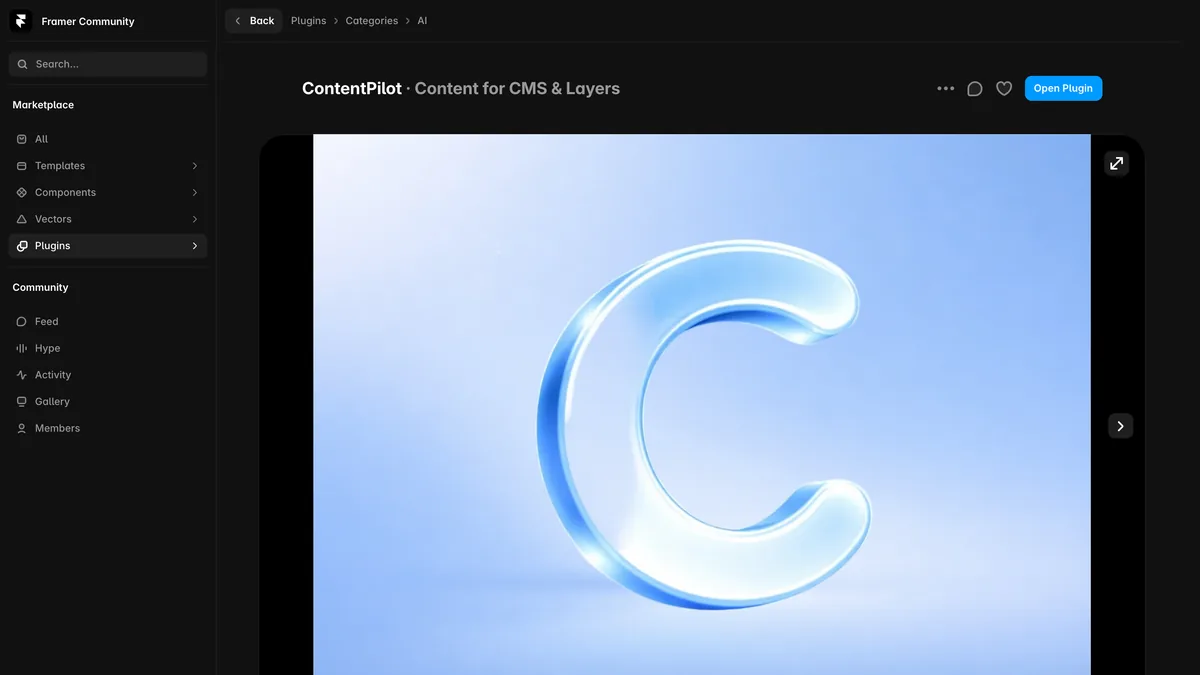
ContentPilot is a marketplace plugin built by Launchly, and it’s the only way to add a custom API key to Framer. It adds an AI assistant panel to your workspace that you can point at a custom API endpoint, bypassing Framer’s built-in models.
The plugin accepts keys for OpenAI, Anthropic, Gemini, and Mistral, with your keys stored encrypted on-device. The plugin’s own listing states that Anthropic and Gemini block requests from the plugin’s iframe. So while it technically supports four providers, in practice only OpenAI keys work.
To try it yourself, the steps are:
Install the plugin from Framer’s plugin library.
Paste your Anthropic API key into the assistant panel.
Select “Anthropic” as the provider.
The plugin may appear to connect, and you might even see the assistant respond. But API calls will likely fail when they run into CORS restrictions, since Anthropic’s servers refuse requests from the plugin’s iframe. You’ll burn time on setup only to hit a wall baked into the platform, not a configuration mistake.
Even if you somehow got Anthropic requests through, the plugin’s feature set is narrow. It’s limited to text generation inside Framer’s designer, with no control over model selection, temperature, max tokens, or anything like a real API workflow.
Claude API Pricing vs. Framer’s AI Subscription: What You’d Really Pay
If you’re already paying for Claude, what would you pay to route your own key through Framer, and how does that compare to what Framer’s built-in AI charges? The answer isn’t what you’d expect from a bring-your-own-key setup.
Sonnet comes in at $3 per million input tokens and $15 per million output tokens; through August 31, 2026, introductory pricing brings that down to $2 and $10. Haiku is $1 per million input and $5 per million out.
A solopreneur rewriting 10 pages of copy a month for a single site would likely spend only $2 to $5 in API costs, even at regular rates.
Now look at Framer’s approach. AI features like text generation, translation, and headings are bundled into paid site plans. You can’t separate them, can’t bring your own key, and can’t opt out. You’re paying for AI whether you use it or not, without any way to switch models or tweak how the bundled ones work.
That creates a strange double-payment problem. If you already pay for Claude, sticking with Framer’s built-in AI means paying for AI twice: once for Claude, which you use, and once for Framer’s models, which you fund whether you like it or not. The plugin doesn’t fix this because Anthropic keys are blocked. You end up paying for two AI services and only getting to use one the way you want.
A Smarter Approach: Using Claude Alongside Framer for Better Results
My recommendation for Claude users is to stop trying to connect the two and instead run them side by side. Framer shines at layout, design, and publishing. Claude shines at language. The best results come from letting each do what it’s good at, with you as the bridge.
The workflow is simple:
Draft and refine your copy in Claude, using Projects or direct chat.
Paste the final version into Framer’s text elements.
That’s it. No plugin, no API calls, no origin restrictions to trip over.
You gain full control over Claude’s tone, style, and output quality. You can shape a draft through conversation, refine phrasing, iterate until the voice is right, and use your favorite prompts and custom instructions without any plugin constraints.
Yes, it adds a copy-paste step. But I’d argue that’s faster than wrestling with a plugin that blocks API calls, and it costs just your API usage, a few dollars a month for a typical site.
And you can scale this beyond copy-paste. For bigger sites, have Claude generate structured content like JSON or CSV and import it into Framer’s CMS, a workflow By Solopreneurs covers in depth in a separate guide.
Our guide to building a website with Claude and Framer covers that workflow end to end, from the brief through the prompts to the CMS import.
The Verdict on Connecting Your Anthropic API Key to Framer
Framer shows no sign of adding a native API key field. Its AI is deeply integrated with its own backend models, and that isn’t changing.
The ContentPilot plugin remains the only bridge, but for you as an Anthropic user, it’s a dead end. Anthropic blocks requests from the plugin’s origin, so the assistant panel will only work reliably with OpenAI keys. You can’t configure your way around it. It’s a wall on Anthropic’s side.
Run Claude alongside Framer instead of forcing a connection. Draft and refine copy in Claude, paste the finished text into Framer, and let each tool do what it’s best at. Framer handles design and hosting. Claude handles language.
For a step-by-step walkthrough, including prompt structures that make Claude’s output fit Framer’s content system, see By Solopreneurs’ full guide.

Leave a Reply