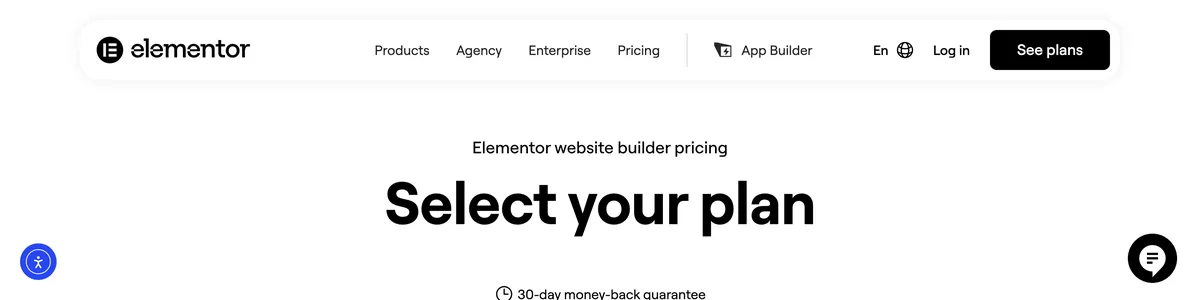
The way people build WordPress pages has changed a lot since Gutenberg arrived, and that’s quietly opened up new options for solo business owners. Block-based editing is now the default, so the lightweight alternatives to the big drag-and-drop builders are more viable than ever. That matters because your website is a business asset. It should work for you, not against you.
Solopreneurs often reach for Elementor because it makes drag-and-drop feel simple, and I get the appeal. But as your site grows, that same editor can turn into a performance bottleneck. Every animation, every custom widget, every layer of styling tacks on weight, and a slow site costs you visitors. Studies consistently show that even small delays hurt, especially on mobile where people expect instant page loads.
Elementor powers millions of sites, and that dominance is earned. But its size means a lot of users are now hunting for faster, leaner tools as their skills grow. The right builder should grow with your business, not make you pick between design and speed. And these days, you don’t have to.
I’ve narrowed the field to three solid alternatives, each solving a specific headache: editor bloat, recurring pricing, and the weight of WordPress itself. By the end, you’ll know the real trade-offs and exactly what to test before migrating. No one builder is perfect for everyone, so the goal is matching the tool to how you work and how much traffic you push.
On this page
- Elementor’s Editor Weight and Bloat
- How Elementor Slows Down Your Site
- Elementor’s Pricing Ladder: Costs That Creep Up
- Spectra: A Lightweight, Gutenberg-Native Alternative
- Divi: A Lifetime Deal That Solves the Pricing Problem
- Framer: Leaving WordPress Page Builders Entirely
- When Staying with Elementor Makes More Sense
- Final Thoughts on Elementor Alternatives
Elementor’s Editor Weight and Bloat
The problem starts the moment you open the editor. Elementor loads its entire page builder interface on every post edit, whether you’re tweaking a headline or rebuilding a landing page from scratch. The browser ends up holding a full design system in memory while you work, and the native block editor never asks for anything close to that.
The visual editor can lag significantly on shared hosting or lower-end hardware, and for a solo business owner, that lag isn’t just annoying. It’s time lost waiting for the cursor to catch up during every update, every content refresh, every small fix. Over a year of edits, that adds up to real hours.
The bloat doesn’t stop at the editing screen. Elementor generates extra DOM elements and inline styles, which produces heavier HTML than you’d get from something leaner. That hits Time to First Byte directly, because the server has to push more markup before the browser can begin painting. And when you layer multiple widgets onto a page, unused markup and CSS often tag along from widgets you never touched.
Elementor’s speed optimization feature helps at the edges, but it can’t overcome the overhead of a large framework. The builder loads its own JavaScript libraries whether or not every feature is active, driving up the number of requests each page makes. It’s the kind of silent weight you don’t notice until you run a performance audit and wonder where all those calls came from.
The real problem is the structural duplication. Gutenberg works with core WordPress blocks, maintained and optimized as part of the platform. Elementor introduces a second, parallel system that needs its own upkeep: its own widgets, its own styling layer, its own update cycle. For a solo operator, that means another system to keep secure, current, and functional on top of everything WordPress already demands.
The numbers on what this costs are hard to ignore. Switching to a lighter tool can cut page size in half or more, depending on design complexity. That’s not a marginal gain; it’s a genuine improvement in load time, mobile performance, and the experience your visitors get. For a business owner managing everything alone, that weight savings translates directly into fewer headaches and faster pages.
How Elementor Slows Down Your Site
Google treats page speed as a ranking factor, and for a solopreneur, it’s the metric with the most direct line to revenue. Elementor sites often miss Core Web Vitals thresholds, and that’s not a niche issue – Google’s own docs treat these as the baseline for a good experience, and rankings follow.
The first bottleneck is Largest Contentful Paint, which measures when your main content becomes visible. Elementor’s extra CSS and JavaScript can push that moment later, even with caching in place. Caching helps on repeat visits, but it doesn’t erase the weight the browser has to parse on the first load. It also can’t shrink the render-blocking dynamic CSS that stops the page from showing until styles are fully calculated.
Then third-party dependencies pile on. Sliders, forms, countdown timers – each one pulls its own scripts, and those scripts come from separate sources. Every one is another network round trip, another potential failure point, another reason the browser sits waiting. Elementor doesn’t always lazy-load images from its widgets automatically, so the browser may fetch off-screen images before the visitor scrolls. That’s wasted bandwidth on every pageview.
The markup adds up, too. A standard Elementor build makes a lot of HTTP requests from separate font, icon, and script files, and each request has its own overhead. On mobile, it hurts even more because phones parse that heavy markup without the muscle of a desktop processor. What feels like a minor delay on a laptop becomes a slog on a phone, and that’s where most of your traffic comes from.
I’ll say it plainly: a slow Elementor site isn’t just a gripe from performance nerds. For a solopreneur who depends on traffic, the link between load speed and bounce rate is impossible to ignore. Slow pages lose visitors before they ever see your offer, and those visitors rarely come back. Even well-configured hosting can’t always overcome the overhead of a builder that churns out heavy pages. You can throw better servers at the problem, but you’re still serving heavy HTML with every single request.
Elementor’s Pricing Ladder: Costs That Creep Up
Elementor Pro starts at $60 per year for a single site, which sounds reasonable until you look at what’s actually included. Essential features like the theme builder sit behind that paywall, so the free version only gets you so far. And the ladder climbs quickly from there: $99 per year for three sites, $199 per year for 25 sites, and $204 per year for the agency tier covering 100 or more sites.
| Plan | Annual Price | What It Includes |
|---|---|---|
| Single site | $60 | Core Pro features on one active installation |
| 3 sites | $99 | Pro features across three active installations |
| 25 sites | $199 | Pro features plus higher-tier tools across 25 installations |
| 100+ sites | $204 | Full feature set, including advanced integrations, for unlimited scaling |
For a solopreneur running a handful of sites, the $99 tier feels like the practical minimum. But the pricing structure has a catch: each tier caps the number of active installations, so expanding your online presence directly hikes your annual cost. Add a second client site, and you’re suddenly justifying a jump to the next tier.
Higher tiers also gate important features. Dynamic content, popups, and advanced WooCommerce integration only come with the pricier plans. Upgrading isn’t just about the number of sites. It’s about getting the tools you may actually need. Budget-conscious solopreneurs should calculate total cost over three years and compare it against other tools, because the numbers shift fast.
Over two or three years, Elementor’s recurring cost can outstrip what a lifetime deal from another builder would charge once. That’s a real difference for a solo operator watching expenses. And the lock-in feeling is genuine: price increases over time have left some long-time users reluctant to leave, not because the tool is irreplaceable, but because their existing designs and templates hold value they’d have to rebuild elsewhere.
The free version is feature-limited. Serious solopreneurs almost always end up on a paid plan, which means the $60 entry point is a starting bid, not the final price. Once you factor in the tier you actually need and the features you can’t do without, the annual cost lands well above that headline number.
Spectra: A Lightweight, Gutenberg-Native Alternative
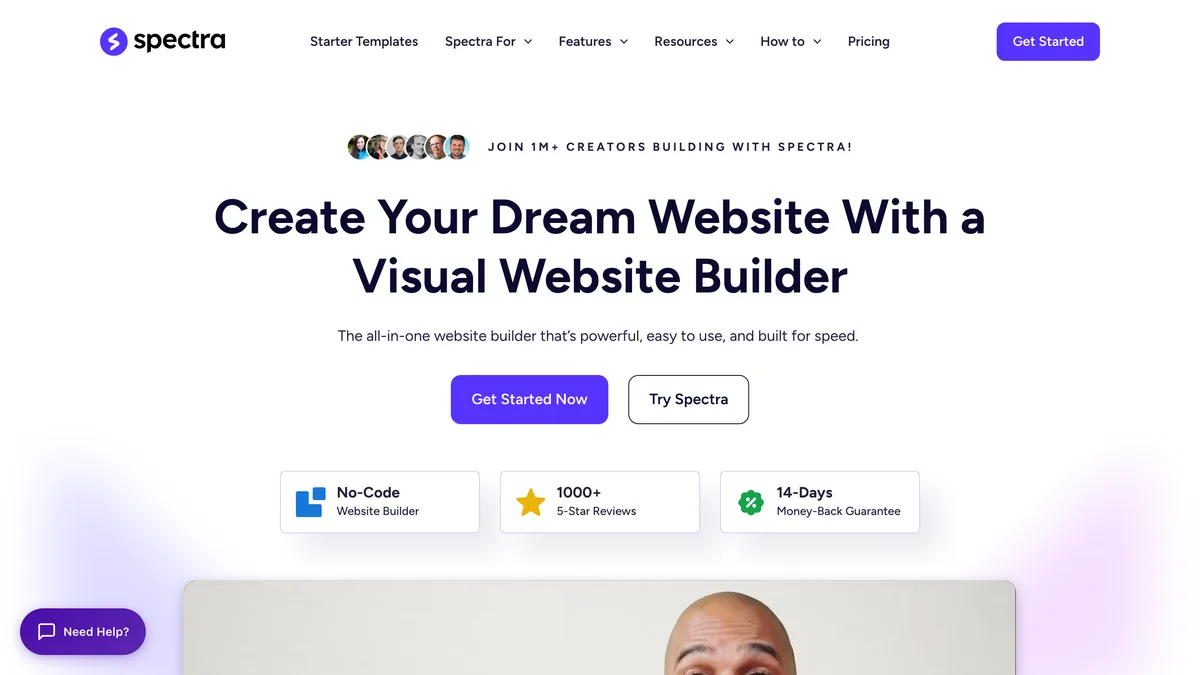
The answer to editor bloat isn’t another page builder. It’s Spectra, a block plugin that extends Gutenberg instead of stacking a separate system on top. That’s the key: with Spectra, you open a post and you’re still in the native block editor, just with a better block library. No second editor to load, no extra interface to learn, no parallel design system fighting the platform’s own.
The core blocks are completely free. Containers, sliders, image galleries, icon lists, counters, and a solid set of layout tools cost nothing, which is a generous starting point. For most solopreneur sites, the free tier covers the basics without pushing you into a plan you don’t need. If you want more, the paid plan starts at about $4.99 per month (billed yearly, roughly $60 per year) and unlocks dynamic content and white-label settings. The highest tier at $16.99 per month, about $204 per year, adds advanced features while keeping editing snappy.
Performance is where Spectra pulls ahead of Elementor. Since everything stays inside Gutenberg, the browser doesn’t hold a full page builder framework in memory while you work. That cuts editing lag and memory use, which matters on shared hosting or a modest laptop. The output is cleaner, too. Spectra blocks produce more modern, efficient HTML than Elementor’s widget system, which helps Core Web Vitals without extra effort. And it’s theme-agnostic, so you can pair it with any fast WordPress theme instead of locking into a Spectra-specific one.
The trade-off is the third-party ecosystem. It’s smaller than Elementor’s, so you won’t find the same sprawling marketplace. But the official blocks cover most of what a solo operator needs, and the gap rarely bites in practice.
If your frustration is editor lag and page weight, the switch makes sense. Migration means rebuilding layouts with Spectra’s blocks, which takes time. But you’re trading that effort for faster editing and lighter pages – exactly what a performance-focused solopreneur wants. Spectra gives you Elementor-like design power without the lag, and it’s the smart move for speed-conscious solopreneurs.
Divi: A Lifetime Deal That Solves the Pricing Problem
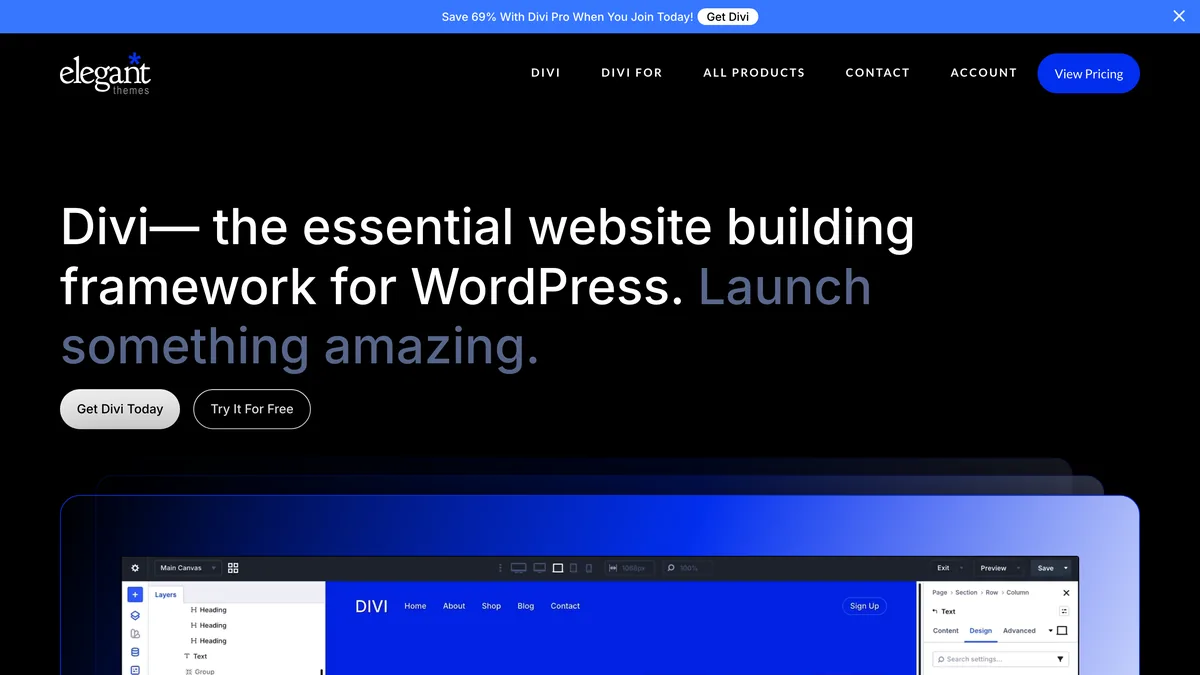
The clearest answer to Elementor’s recurring cost is Divi, which flips the pricing model. Instead of an annual subscription, Divi sells a lifetime membership for a one-time fee, often discounted during sales. That one payment covers unlimited site usage, all future updates, and support. No renewals, no tier jumps, no annual invoice.
Stack that against Elementor’s $60 to $204 annual ladder and the math shifts fast. A multi-site solopreneur on Elementor’s $99 tier pays that every year. Divi’s lifetime fee can pay for itself in a year or two, depending on the discount, and everything after that is pure savings. For a solo operator with several client sites, the lifetime model removes a recurring expense entirely.
Design-wise, Divi holds its own against Elementor. The front-end visual builder offers drag-and-drop control over every element, backed by a large library of layouts for most business niches. Its theme builder creates global headers, footers, and templates without a separate plugin – a feature Elementor locks behind its Pro tier. On paper, Divi matches Elementor’s design flexibility at a fraction of the long-term cost.
But the trade-offs are real. Divi relies on shortcodes to render content, and that creates a lock-in problem. If you ever switch themes or migrate to another builder, those shortcodes can leave behind a mess of raw, unreadable code you’ll have to clean manually. It’s the kind of thing that feels hypothetical until you’re staring at a page full of broken brackets after a migration.
Performance is another caveat. Divi’s builder adds overhead just like Elementor’s, and when you heavily customize a page, the output weight is similar. The pricing advantage doesn’t bring a speed advantage. If editor bloat and sluggish load times are your main frustration, Divi won’t fix that.
Divi does offer a yearly plan at $89 per year if you’d rather not commit the lifetime fee upfront. But the lifetime option is where the real value is, and it’s the reason Divi has loyal fans. The ecosystem is strong, with a marketplace of child themes and extensions. Just know that customizing beyond the defaults can get steep, and there’s a learning curve before you’ll feel fluent.
Verdict: Divi makes financial sense for long-term budget builders, but expect a learning curve and similar performance trade-offs.
Framer: Leaving WordPress Page Builders Entirely
The most radical option on this list isn’t another builder. It’s leaving WordPress entirely. Framer is a no-code website builder on its own platform, so there’s zero WordPress overhead to manage. No core updates, no plugin conflicts, no database maintenance. The entire editing and hosting stack belongs to Framer, and that changes the upkeep equation completely.
What you get is a design canvas with pixel-perfect control. If you’ve ever felt boxed in by how a page builder interprets your intent, Framer gives you the opposite: you place elements exactly where you want them, with precise spacing, animations, and interactions, all without code. For a solopreneur who cares about visual polish, the design freedom is a genuine leap over anything you can do inside a WordPress page builder.
Performance is where Framer really stands apart. Sites export as static files and host on Framer’s own infrastructure, delivering near-instant load speeds. There’s no PHP processing per request, no database queries, no theme files to parse. The browser gets pre-built HTML and renders it. That’s a fundamentally different architecture from WordPress, where every pageview triggers server-side processing before anything reaches the visitor.
Pricing sits at a monthly fee comparable to managed WordPress hosting, but it bundles hosting, SSL, and maintenance into one charge. You’re not paying separately for a host, a builder subscription, and domain management. For a solo operator who’d rather focus on the business than server upkeep, that consolidation is appealing.
I’ll be direct about the limitations, because they’re significant. Framer lacks a native dynamic content engine like WordPress’s posts or custom fields. If your site centers on a blog with dozens of articles, or a directory needing structured data, you’ll need to connect an external headless CMS. That adds complexity and another subscription, which undercuts some of the simplicity that draws people to Framer in the first place.
Migration is another real caveat. There’s no automated path from Elementor to Framer. You rebuild your design from scratch, block by block, section by section. That’s a big time investment, and it’s the main reason I’d caution against switching casually. If your site has years of content and custom layouts, you have to weigh the rebuild cost honestly against the performance gains.
Framer shines for brochure sites, portfolios, and SaaS landing pages. If your business is design-forward and your content needs are static, Framer delivers a level of polish and speed that’s hard to match. The platform includes built-in SEO tools, responsive design controls that work across breakpoints, and a plugin system for connecting third-party services like forms and analytics without code.
Verdict: Framer is a fresh-start option for those done with WordPress bloat, perfect for design-forward solopreneurs with static content needs.
When Staying with Elementor Makes More Sense
Most articles about WordPress page builder alternatives make switching sound inevitable, but that ignores a real truth: for some solopreneurs, staying with Elementor is the smarter move. The performance and pricing arguments I’ve covered are real, but they don’t apply equally to every site. If your setup is working, the cost of change might outweigh the cost of staying.
Staying put makes more sense than any alternative when:
Your site runs on complex dynamic features like a membership area or custom post types built with Elementor’s theme builder. Migration could break functionality you rely on daily.
You only need occasional updates and your site already performs well. The effort of rebuilding on a new platform may not be worth small gains.
You’ve built your workflow around Elementor’s add-on ecosystem, like Crocoblock or Ultimate Addons, which offers hundreds of widgets and templates that alternatives lack.
You already own a lifetime license from Elementor’s earlier offers. The pricing argument vanishes, and staying is a no-brainer.
You use Elementor’s newer container and flexbox controls properly. They output much leaner code than the old section and column model, narrowing the performance gap considerably.
That last point is worth emphasizing. Many of Elementor’s performance issues trace back to sites still on the legacy section model. Rebuilding layouts with containers yields noticeably lighter output, and the Core Web Vitals impact drops sharply compared to the old approach.
If you stay, there’s a practical approach to cut Elementor’s overhead without leaving it. Switching to a lightweight host, enabling lazy loading, and minifying CSS and JS each trim meaningful time off your loads. A clean, minimal theme like Hello Elementor strips out the bloat of a full-featured theme doing work you don’t need. Deleting unused widgets from the builder cuts the code sent to every visitor. Performance plugins that add object caching and image optimization can reclaim speed without ditching Elementor’s design comfort.
The cost equation matters, too. The yearly Elementor Pro fee can still be less than the time you’d spend learning a new tool and recreating your entire site. Your hours have value, and for a solopreneur wearing all the hats, that value isn’t small. If Elementor already pays for itself and your pages perform acceptably, the rational move might be to optimize rather than migrate.
The honest takeaway: the best WordPress page builder alternative isn’t always the right choice for you. Match the tool to your actual situation, not to the loudest opinion online.
Final Thoughts on Elementor Alternatives
If there’s one idea I want you to take away, it’s that your website builder should fit your workflow, not the other way around. Elementor became the default for a reason, but “default” and “best for you” aren’t the same. The alternatives each solve a specific headache, and the one you pick depends on what’s actually slowing you down.
If you plan to stay on WordPress but want less bloat and lower cost, Spectra is the direct Gutenberg upgrade. It keeps you inside the native block editor, which means no parallel system to maintain and pages that load lighter. For solopreneurs already committed to WordPress who just want it to run faster, that’s the least disruptive move you can make.
Divi’s one-time purchase saves real money over several years, solving the pricing ladder. But its performance trade-offs mirror Elementor’s, so if speed is your main gripe, it won’t help. It’s a financial call more than a technical one.
Framer is a complete break from the WordPress ecosystem. It’s ideal for mostly static sites where design freedom matters most, and its static-file architecture delivers speeds WordPress can’t touch. But you leave behind WordPress’s content system and rebuild everything from scratch.
No tool is perfect. Each demands time to learn and a willingness to adapt your design process. That learning curve is real, and it’s the hidden cost most comparisons skip.
If you’re serious about switching, a staging site is the smartest way to test a new builder without risking your live business. Build a handful of pages, run a performance test, and see whether editing feels faster. That hands-on check tells you more than any benchmark chart.
If your current Elementor setup is fast and functional, optimization could be a better investment than migration. Clean up unused widgets, switch to a lighter theme, and tighten your hosting to close much of the performance gap without the rebuild. Sometimes staying put is the most efficient move a solo operator can make.
Whatever you decide, watch the long-term costs: hosting, add-ons, and your time spent maintaining the stack. The headline price of a builder is rarely the full cost of running a website.
Lightweight Elementor alternatives exist for every reason people leave, but the right one depends on why you’re leaving. At By Solopreneurs, we’ve tested these tools, and our detailed reviews go deeper into performance data, pricing, and real-world trade-offs. Check them out before you commit, so the switch you make actually fits your business.
Working out why your Elementor site is slow usually points at the host or a pile of unused widgets rather than the builder itself.



Leave a Reply