
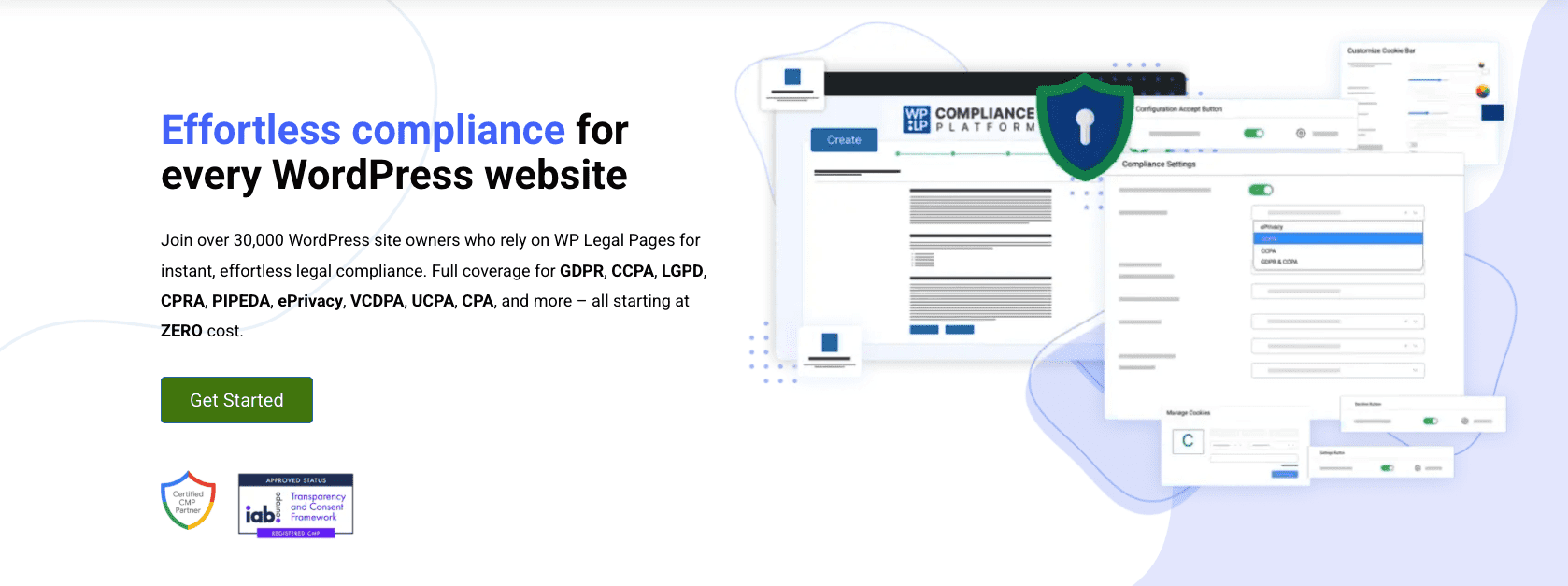
WP Legal Pages is a practical all-in-one pick for small to mid-size WordPress sites that need legal policies and cookie consent without monthly SaaS fees. It suits bloggers, small online stores, agencies with multiple WordPress installs, and publishers who want simple consent banners with ready-made policy templates. No need to stitch together a privacy or terms generator with a separate cookie tool. No painful manual policy writing. This plugin puts it all in one place.
Its plugin-first approach fits how WordPress sites already run. Policies live on the site, so there’s no vendor lock-in or outsourced hosting. It keeps pace with current compliance needs, including Google Consent Mode v2, progress toward IAB TCF 2.2, and broader coverage for US state privacy laws. Those pieces matter for teams that want to stay current as rules shift.
In this review, we’ll show how these updates work in real sites and where this solution stands compared to other options on the market.
What WP Legal Pages does for everyday WordPress compliance
WP Legal Pages covers the core legal needs for WordPress sites. It ships with generators for privacy policies, terms and conditions, cookie notices, DMCA takedown requests, return and refund policies, and disclaimers. It also adds a cookie consent banner with a scanner to find cookies on the site. Consent logs record user permissions, and geo-targeted notices let site owners show location-specific messages. Policies drop into pages or posts through shortcodes or Gutenberg blocks.
The setup wizard asks about the business type, data collection methods, contact details, and the applicable jurisdiction. Answers feed into tailored policy pages, so the documents fit the site with minimal edits later. Policies live inside WordPress and remain editable, so owners adjust wording anytime without rebuilding a page.
Role-based access keeps policy edits limited to approved users, which reduces risky changes by casual editors. There’s no automatic versioning, so teams keep manual changelogs or follow a simple version tracking habit to document updates.
Pricing includes a free tier and paid plans. Single-site licenses suit one-off projects, and multi-site plans work for agencies with many client sites. Renewal discounts cut ongoing costs, and a lifetime option trades a higher upfront payment for long-term use.
Integration fits common WordPress tools. Blocks work inside Gutenberg. WooCommerce disclosures connect to product and checkout pages. Popular contact form plugins add consent language next to submitted fields, so legal text shows up where it matters.
How to use the privacy policy generator to get compliant fast
Start with the basics. The generator asks for a business name, a contact email, and the types of data the site collects. Think analytics, email lists, or payment info. It also asks which third parties process the data, like Stripe or PayPal, and how long the data stays before deletion. Those inputs shape a tailored privacy policy.
The standout feature is its jurisdiction toggles. Pick where the audience lives or where the business operates, then switch on rules such as EU or UK GDPR, US state laws, Brazil’s LGPD, or Canada’s PIPEDA. Turn a toggle and sections update on their own. It adds data subject rights where required and inserts Do Not Sell/Share language for states that need it. Compliance gets handled in the background.
After setup, the tool generates a WordPress page with clear headings and internal anchors so visitors jump to what they need fast. Prefer modular placement? Use the shortcode to insert specific sections anywhere on the site, useful near signup forms or checkout.
Revisit the setup when new tools join the stack, like ad tech or heatmaps, or when legal rules change. The plugin sends alerts about major updates. Staying ahead keeps policies aligned with current standards.
Inside the policy, expect sections explaining why data is processed and the legal bases, cookie categories with details, disclosures about involved third parties, and user rights with contact details and an appeals path when required.
Terms and conditions templates that protect your site and store
WP Legal Pages includes terms and conditions templates that cover what online stores and content sites need to stay protected. They explain user obligations, what’s prohibited, how accounts end, and who owns intellectual property. They also include refunds and returns, shipping, warranties, liability limits, governing law, and dispute resolution.
For e-commerce, the templates go deeper on practical details like return windows, how long customers have to send items back, and how chargebacks get handled through payment processors. Subscriptions and auto-renewals receive clear language so buyers understand renewals and cancellations. Digital goods get their own treatment, with instant access instead of shipping. Tax disclosures, including VAT and sales tax, set expectations based on customer location.
Customization matters because every business runs differently. Add rules that fit the operation, like wholesale pricing for bulk orders or affiliate program terms for partners. Marketplace sellers may include clauses for third-party listings and seller duties. Link terms to the privacy policy and cookie notice so visitors find the legal info in one place.
Consent should be explicit at checkout or signup with a required checkbox before completing the action. WordPress hooks or WooCommerce settings enforce this step so acceptance is recorded at the right moment.
Keep terms current. Show the last updated date for transparency, and archive previous versions to create an audit trail. Align the language with real business processes to prevent confusion and set clear expectations for customers.
Cookie consent, scanner, and consent logs built for modern adtech
WPLegalPages scans a site thoroughly, crawling pages to find every script and cookie in use. It sorts each one into clear groups like strictly necessary, analytics, or advertising. This sorting feeds a detailed cookie list that drops into the privacy policy, so visitors see exactly what runs in the background.
The cookie banner adapts to visitor location. EU and UK visitors see strict compliance notices, with non‑essential scripts blocked until consent. Visitors from U.S. states get messages aligned to local rules without extra friction. The banner supports multiple languages for global traffic. Users choose consent by category, allowing only the types they want.
Consent logs store precise records. Each entry shows a timestamp, the preference string with chosen categories, and region data where consent happened. Site owners pick how long to retain these records before they delete automatically, and exports make audits straightforward.
Script blocking works automatically or manually. For auto‑blocking common tools like Google Analytics, Meta Pixel, or Hotjar, teams should:
- Identify scripts from the scan results.
- Wrap scripts in conditions that delay execution until approval.
- Connect to a tag manager if used for tighter control.
- Test banners to confirm no tracking fires early.
Manual control suits advanced setups. Admins insert wrappers themselves or adjust tag manager triggers directly.
Design controls cover layout and appearance. Banners can sit at the top bar, bottom bar, or corner, with themes matched to brand colors. Accessibility meets standards, with full keyboard navigation and strong color contrast for clarity. Performance stays light, so Core Web Vitals remain fast while legal safeguards stay in place.
Compliance coverage for GDPR, CCPA, and new US state laws
Privacy laws vary a lot by region, and this plugin helps WordPress sites keep up. It supports EU and UK GDPR with clear consent before collecting personal data, known as opt-in. Cookie rules under ePrivacy add strict controls around trackers and identifiers. In the U.S., it covers California’s CCPA and CPRA and newer state laws in Virginia, Colorado, Connecticut, Utah, and Nevada. These laws lean toward opt-out, where users say no after collection starts. Brazil’s LGPD blends both styles and is supported too.
For sites with visitors from U.S. states that require Do Not Sell or Share links, the plugin includes practical toggles in settings. Site owners switch on links or buttons so users opt out of targeted ads or block sales and sharing of personal data with third parties. Cookie preferences connect to these controls, so banners and policies show the same choices without mixed messages.
It goes beyond static policies and supports user rights. Visitors get request forms to view their data, ask for corrections, request deletion where allowed, or appeal privacy decisions. Submissions route to an email set by the site owner, reducing missed deadlines and keeping a clear trail of requests.
Children’s data needs special care. Many laws restrict collecting info from minors without a parent’s okay. The plugin offers prompts such as age gates and notices that alert site operators to risks of collecting data from kids under common thresholds like 13 or 16, depending on the law. These prompts surface issues early, but they don’t automate full compliance. Owners still need to review content, forms, and audience targeting closely.
Templates and consent tools help with legal text and updates, but they don’t replace advice from a qualified attorney. Each site collects data in different ways and works with different vendors. Settings must match real data flows and processing partners, so careful configuration is essential.
How Google Consent Mode v2 and IAB TCF 2.2 work with this plugin
Consent Mode v2 adds two signals, ad_user_data and ad_personalization. These tell Google tags when they’re allowed to use personal data for ads and when they must limit tracking based on consent. This plugin sets those signals automatically before any Google scripts load for visitors in the European Economic Area (EEA), so ads follow user choices and the site keeps working.
The IAB TCF 2.2 framework stores a standardized consent string that records what a visitor agreed to for data use and ads. This plugin creates that string and saves it safely, so partners like Google AdSense and Ad Manager can read it and decide whether to run personalized ads. To turn it on, enable CMP mode in settings. No code edits required.
Here’s a simple setup flow:
- Enable CMP mode in settings.
- Pick the regions where strict consent applies, such as EEA countries.
- Connect with Google Tag Manager or gtag.js based on the site’s setup.
- Verify behavior with Google’s CMP Validator.
- Test with Google’s Tag Assistant to confirm tags fire only after consent.
Privacy choices can lower measured conversions because some visitors won’t opt in to personalized ads. Many publishers see a 5 – 20% revenue drop when opt‑in rates are low, since fewer targeted ads show.
Stay audit‑ready. Keep screenshots of the cookie banner, settings, and logs of collected consents. Maintain a current vendor list with purposes, which helps pass partner reviews without delays.
WP Legal Pages vs Termsfeed and when to choose a dedicated CMP
Picking between WP Legal Pages and a SaaS like Termsfeed depends on how ongoing compliance is managed. WP Legal Pages runs inside WordPress, with a one-time license or lower recurring costs. It suits teams with multiple sites or those who want control without per‑domain fees. Termsfeed is hosted and charges by domain, which adds up over 2 – 3 years. It auto-updates policies, so legal text stays current with little effort.
WP Legal Pages groups key tools in one place, with cookie notices, a scanner that discovers scripts and cookies, and policy generators tuned for WordPress. It gives direct control inside the site. Termsfeed focuses on hosted, polished documents with automatic updates across regions. It doesn’t offer cookie scanning or banners, but it keeps policy text aligned with new legal changes.
Ease of use feels different. WP Legal Pages fits right into the WordPress editor and plays well with popular plugins. Agencies and site teams like that workflow. Legal teams often prefer browser-based editors and change logs, which pushes them toward SaaS options like Termsfeed.
Compliance depth matters for EU and UK adtech rules. WP Legal Pages supports Google Consent Mode v2 and IAB TCF 2.2 signals, though it isn’t an officially registered CMP. Complex publisher stacks that need strict consent frameworks and detailed vendor controls still need a dedicated CMP to meet those requirements.
The best next step is a trial on a staging site with real vendor tags. Run a scan to see active cookies and scripts, then generate policies based on the results. Review how the banner affects load, UX, and conversions. Quick experiments reveal cost, control, and update trade-offs, which makes the choice clearer.

Leave a Reply to Kelman Cancel reply