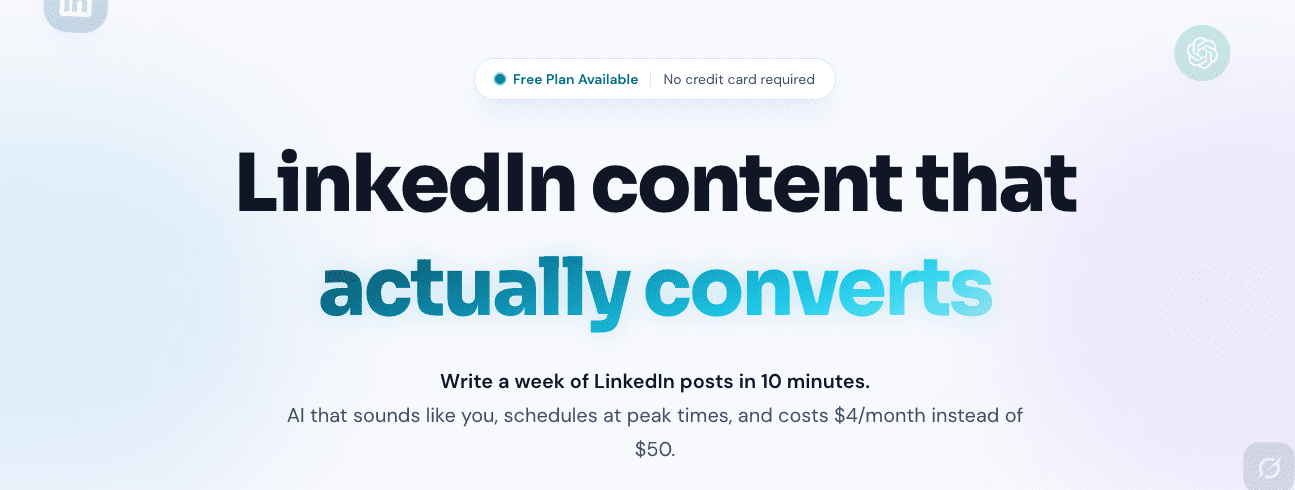
LinkedGrow enters LinkedIn as an AI tool for founders, solo agencies, and small teams who want a steady flow of posts without per-seat fees. It isn’t a basic scheduler or a generic writer. It’s built to mirror your voice so posts read like you wrote them, while staying efficient and affordable.
It doesn’t replace creative judgment or strategy. It speeds up the grind. It learns how you talk, sparks new ideas, drafts posts, repurposes existing content into hooks or carousels, and drops everything into a calendar. If you run multiple client profiles or a founder-led brand with lean resources, it keeps posting consistent without bloating costs.
I’m going beyond the basics here. I’m showing real workflows and what day-to-day use actually looks like. You’ll see how voice training connects with scheduling, plus a straight look at pricing through their bring-your-own-key model. My goal is practical detail for anyone who wants fast output that still feels personal, without confusing automation with strategy.
On this page
- Why BYOK in LinkedGrow cuts costs and scales for agencies
- How to train LinkedGrow on each client’s voice for stronger posts
- Repurpose sources and batch content with hooks and carousels
- Use the multi-client calendar with collaboration and reporting
- LinkedGrow.ai pricing, best-fit users, and practical next steps
Why BYOK in LinkedGrow cuts costs and scales for agencies
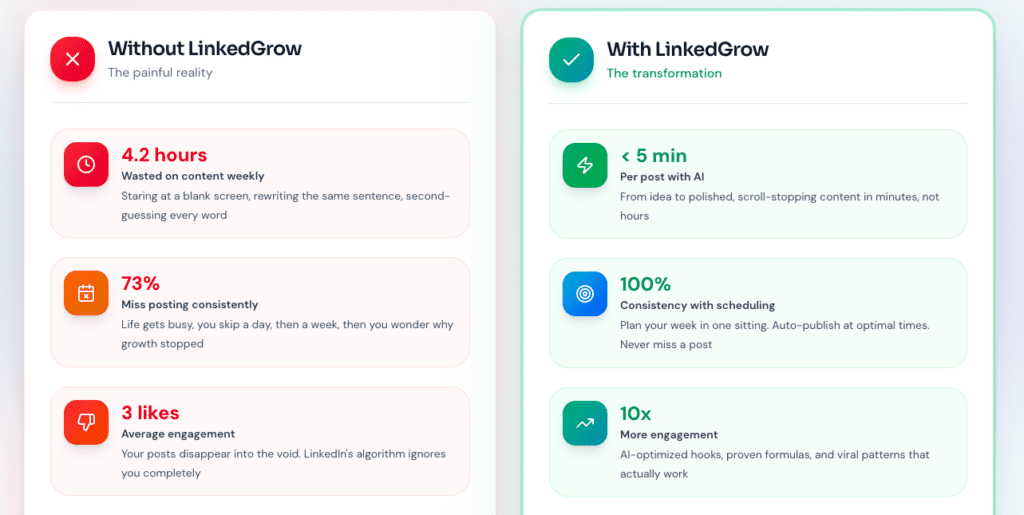
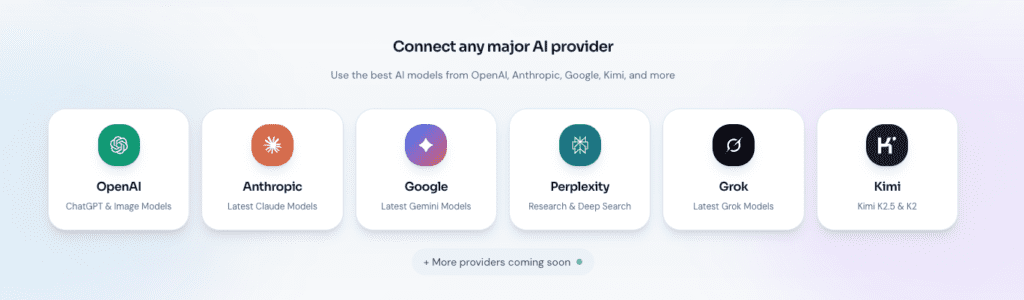
I like how BYOK keeps things simple. Bring Your Own Key means you plug your own AI model API key – OpenAI, Anthropic, whichever – into LinkedGrow. The tool stays the workflow and UI, but the AI bill goes straight to the model provider. No markup on post generation inside LinkedGrow.
Think about volume. Say a team generates 1,000 posts in a month with GPT-4o-mini. Billed directly, those API calls often cost tens of dollars. Typical SaaS plans stack per-seat pricing and extra fees, and the bill jumps into the hundreds fast. Agencies running many client accounts feel that difference every month.
- Cost savings stay real because agencies avoid inflated in-app pricing and only pay market rates to the model vendor.
- Scalability opens up since LinkedGrow doesn’t enforce a generation cap. Spend limits live in your API account, where budgets can be set per client.
- Data governance gets cleaner. Prompts and outputs run through your own keys, so usage separates by client with different keys or tags. It does shift responsibility for security and monitoring to the agency.
Setup requires a bit of work. Create secure API keys. Watch spend in provider dashboards. Pick default models. All of this sits outside LinkedGrow. Agencies with many brands gain tighter cost control and clearer data boundaries, which makes the extra steps worth it.
How to train LinkedGrow on each client’s voice for stronger posts
I start by building a tight voice pack for each client. Upload 10 to 30 real posts, About summaries, and style notes that show how they talk – their tone, pacing, go-to phrases, and narrative habits like problem-story-lesson or list formats. The goal isn’t just copying what they say, but capturing how they say it.
Next comes prompt scaffolds, which act like firm guardrails for persona traits. Lock in the audience, point of view, banned words, and call-to-action style. Posts stay inside the client’s rules, so nothing drifts into generic filler.
Quality of training data sets the ceiling. Mix in different topics, clear opinions, and a steady structure. Drafts read sharper. Edits go down. Weak examples drag everything down and produce flat takes that need heavy rewrites.
Keep it tight with an update loop. Feed top-performing posts back into the voice pack. Retire outliers that no longer fit. Over a few weeks, hooks get tighter and the style lands with more consistency.
Progress needs numbers, not vibes. Track edit distance per draft, basically how much got changed line by line from the AI’s first pass. Aim to reduce edits by roughly 30 to 50% after a month on the same voice model. If the number drops, training stuck. If it doesn’t, fix the inputs and rules.
Key components:
- Voice pack creation: Upload sample posts, bios, and style notes to capture tone and frameworks
- Prompt scaffolds: Store persona details, audience focus, and forbidden phrases for rule-based generation
- Update loop: Refresh packs with top posts, remove mismatched ones
- Edit tracking: Monitor percent changes per draft to cut edits over time
Repurpose sources and batch content with hooks and carousels
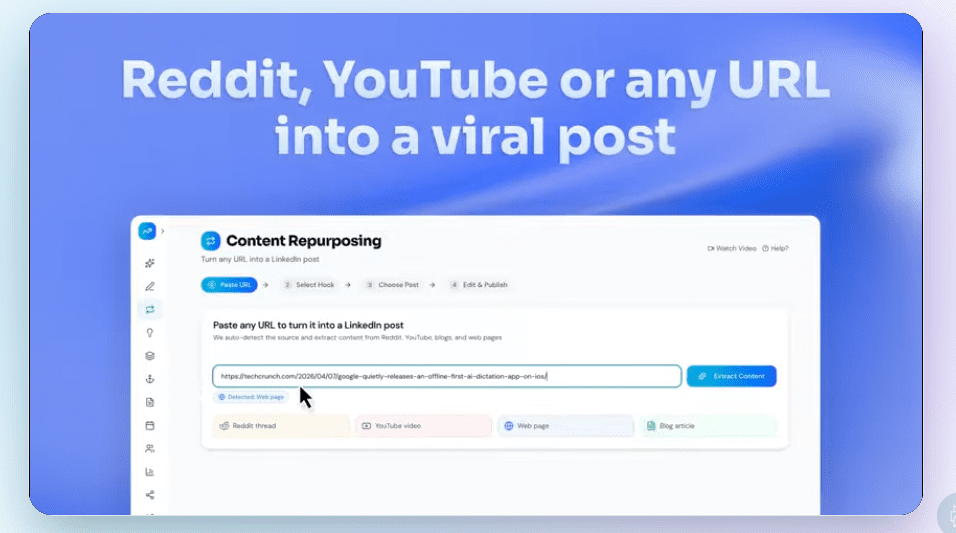
Pulling material into LinkedGrow feels natural. Drop in a Reddit thread, a YouTube transcript, a blog link, or raw notes. The tool pulls key ideas and reshapes them in the client’s voice, so posts sound like them. No blank-page dread, just faster drafts that still read personal.
I recommend batch sessions per client and spin up 10 – 30 posts in one go. Pair templates with trained voice settings for steady tone across everything. Tag each draft by theme, like founder lessons, product insights, or customer stories, so it’s easy to sort and schedule.
Hooks and carousels come next. For each idea, produce 5 – 10 hook options and test what gets clicks. Turn longer posts into multi-slide carousels with clear takeaways per slide and simple visual prompts the design team can use.
Original ideas still matter. Make at least 30% of each batch true point-of-view content, not just repurposed notes. The system flags duplicate angles and merges overlap, which keeps feeds from going stale.
With voice packs dialed in, drafting a week of content per client moves fast. Expect five to seven posts, plus one or two carousels, in about an hour to an hour and a half before human edits. Less scrambling, more room for real creative work across accounts.
Use the multi-client calendar with collaboration and reporting
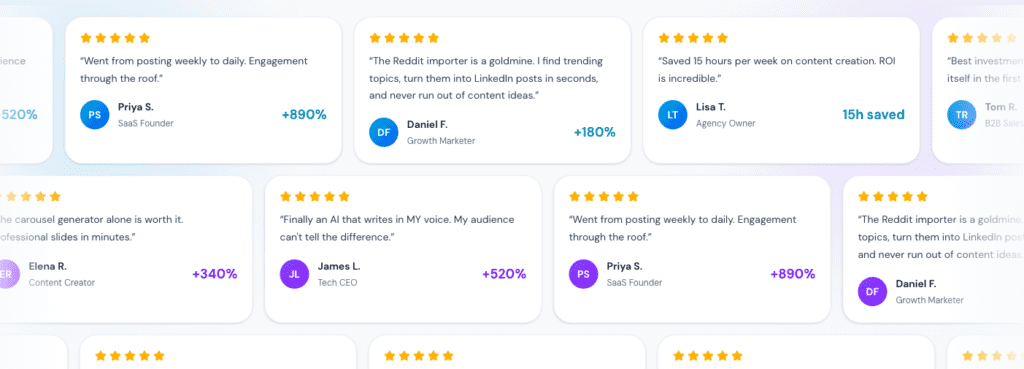
Running social for many clients gets messy fast, so a clear calendar helps. In LinkedGrow, each client sits in a color-coded lane, making it obvious what belongs where. Every post shows its status – draft, in review, approved, or scheduled – alongside the exact posting time in that profile’s time zone. It feels like a true bird’s-eye view of all content pipelines, without guesswork.
- Roles and permissions: Assign who creates, edits, or approves posts. Comments and change history show who changed what, and when.
- Scheduling details: Set rhythms like Monday/Wednesday/Friday at 8:30 AM local time. Attach images or videos, and preview how posts render on LinkedIn with line breaks, bullets, and emojis preserved.
- Lightweight reporting: Export weekly summaries with published counts, engagement shifts versus earlier periods, and top-performing hooks to guide team conversations.
- Cross-client guardrails: Keep voice packs, API keys, and media libraries isolated per account so nothing crosses over. Fewer mix-ups, tighter compliance.
I like how these pieces fit together to keep multi-client work steady. Approvals don’t bottleneck, creators stay in sync, and the calendar keeps priorities visible. Teams spend energy on sharp ideas and strong posts, not logistics.
LinkedGrow.ai pricing, best-fit users, and practical next steps
Pricing maps cleanly to real needs, so picking a plan feels straightforward. The Free tier includes limited scheduling and generation, good for a low-risk trial. Starter suits solo founders posting to one profile. Pro fits small teams that need collaboration. Business makes sense for agencies with many clients and a heavier workload.
I think the biggest cost win is BYOK (Bring Your Own Key). Instead of paying per seat, you pay your actual model usage through your API provider. Monthly spend usually lands far below padded add-ons if budgets stay tight. Set hard caps, something like $25 to $100 a month, then review usage weekly to avoid surprises.
Cost efficiency stands out because billing is transparent with BYOK, and generations are unlimited within your API limits. Voice training gets strong once tuned, which speeds repurposing and fits founder-led LinkedIn workflows. It isn’t magic though. API key setup takes effort. Drafts still need human polish. Weak voice data produces bland posts. Growth still hinges on the work outside posting, including comments, DMs, and steady cadence.
Try this next:
- Run a 2-3 week pilot on one client or your own profile.
- Import 20+ of your strongest posts to train a voice pack that mirrors your style.
- Batch 20-30 drafts, then track edit time and engagement lift before deciding if LinkedGrow replaces or sits alongside current tools.
Give room to experiment without wrecking the budget or upending workflows in one go. You’ll see if LinkedGrow speeds things up while keeping content personal, then decide with confidence when it’s time to scale across more profiles.

Leave a Reply