Top 5 Best Framer Tutorials 2026
•
Finding a solid Framer tutorial is tough when the clock’s ticking and a marketing site or MVP needs to go live. This guide ranks the top 5 by practical learning value, with clear explanations, a steady pace, and projects that lead to real builds. No hype from flashy reviews or big followings – it…

Is it possible to get a free domain with Framer?
•
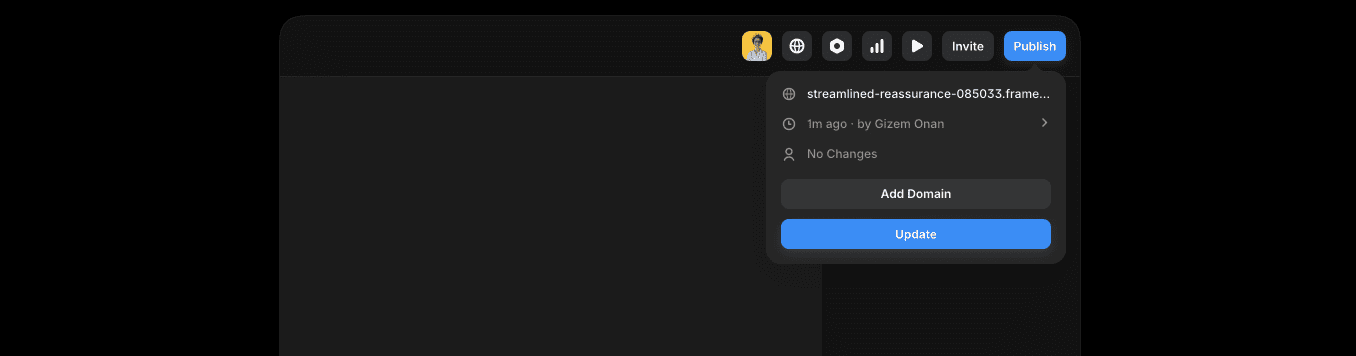
Many people assume Framer gives a free custom domain like yourname.com, but it doesn’t. The free plan publishes to a subdomain that ends in .framer.website, for example yoursite.framer.website. Hosting and publishing cost nothing, which suits quick prototypes, MVPs, and personal projects where speed matters more than a branded URL. A custom domain isn’t included…

Boost affiliate link conversions with a Coupon Buttons for WordPress
•
A blogger swapped plain text affiliate links for a simple “View coupon code” button and saw clicks jump quickly. Visitors weren’t staring at a dull link anymore. They wanted to see what was behind the button. Curiosity kicks in when information is hidden, so clicks go up. Once someone taps to reveal a code,…

How To Learn Framer Fast and Publish a Live Site in 90 Minutes
•
Skip the blank screen. In 90 minutes, a live, polished website goes from idea to launch. This focused Framer session suits founders, designers, and marketers who want outcomes, not theory. It starts with a clean template, shows how layouts and components work, then moves into edits until the site feels personal. No custom code…

Who Is Framer Made For (And Who Should Avoid It)?
•
Framer doesn’t try to be an all-in-one app builder or run complex backend logic. It centers on visuals through a canvas-style editor, familiar to designers who live in Figma. Layouts can reach pixel-perfect quality. Non-designers may face a learning curve at first. It includes a basic CMS for collections and dynamic pages, but it…