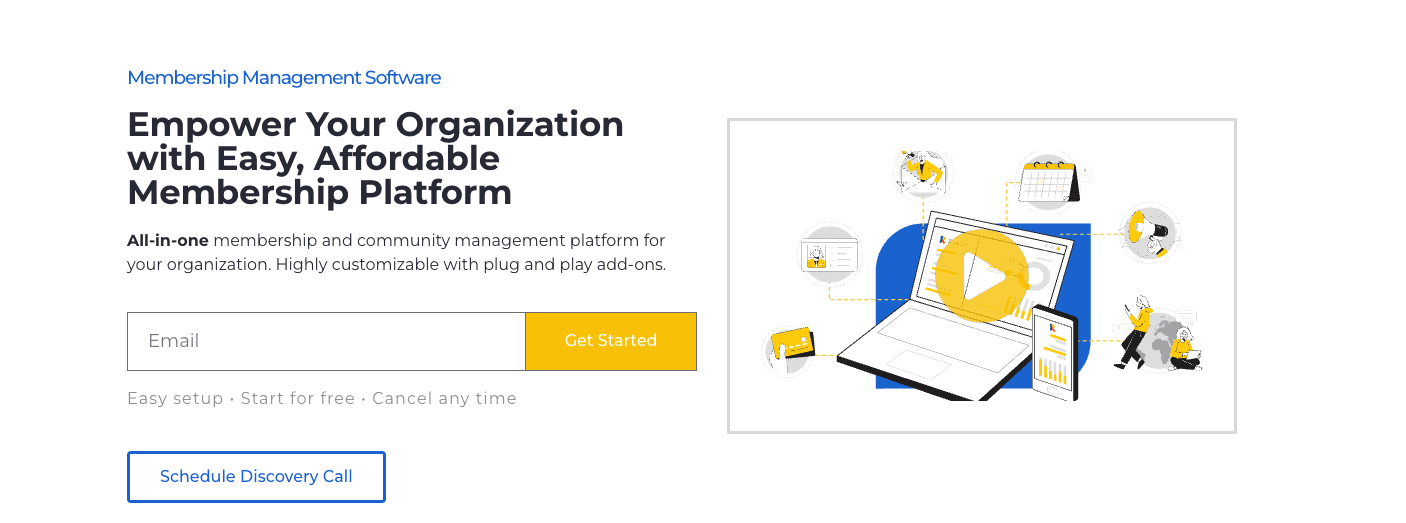
Picture a small association. The team flips between spreadsheets for member lists, Mailchimp for newsletters, Eventbrite for tickets, and Stripe for payments. Each tool does one job. Stitching them together eats time and invites mistakes. They try Raklet, a single platform for memberships, events, and email. One login. Member sign-ups, event invites, and payments line up in one place.
This isn’t about hype or heavy tech talk. The question is simple: does Raklet work well enough for founders and community builders who want an integrated system without a pile of apps? The lens stays practical. Will it actually make life easier for associations, clubs, nonprofits, or paid communities?
Raklet combines CRM, payments, event tools, and built-in email and SMS. Setup moves fast, and support sits close. Costs rise with add-ons, and some advanced automations still need outside integrations. For teams who want one hub for members, events, and communications – and are ready to pay for that simplicity – Raklet fits the brief.
On this page
Who Raklet Is For and Why It Works as an All‑in‑One
Member CRM
Raklet’s CRM goes beyond a basic contact list. Communities set up rich member profiles with custom fields that fit real needs. Tags and segments sort the database into useful groups for targeted outreach that actually lands. Activity timelines log payments, event check-ins, and email opens, so admins see engagement trends over time. Role-based permissions protect sensitive data by limiting access per role. GDPR consent fields support compliance with clear opt-ins.
Memberships
Memberships run on paid or free tiers. Recurring billing runs through Stripe for monthly or annual dues with automatic charges. Proration adjusts invoices when members switch plans mid-cycle. Coupon codes support promotions and discounts, and grace periods give a short window before suspending accounts after missed payments. Automated status updates reduce manual work. Payment failures trigger flags and update membership status right away.
Events & Ticketing
Event tools cover setup through check-in. Organizers create free or paid tickets with capacity limits to prevent overcrowding. Early-bird pricing rewards quick sign-ups, and member-only tickets add exclusive perks. Mobile check-in avoids extra hardware, and downloadable attendee lists support record-keeping after each event. Basic refund flows process cancellations without third-party tools.
Communications
Email campaigns include ready-made templates that save time and still feel personal with segmentation by tags, tiers, or recent activity like event attendance. For urgent notices, SMS and push notifications serve as add-ons to reach members fast outside crowded inboxes.
Digital Membership Cards
Branded digital cards support benefits and check-ins. Each card shows a QR or barcode for scanning at events or partner locations for entry or perk redemption. Expiration dates link to each plan, so expired cards don’t hold up lines. Members add cards to mobile wallets for quick access when needed.
Raklet rarely shows its discounts on the pricing page, so it is worth checking the current Raklet coupon code before picking a plan.
Core tools that matter most for memberships, events, and communications
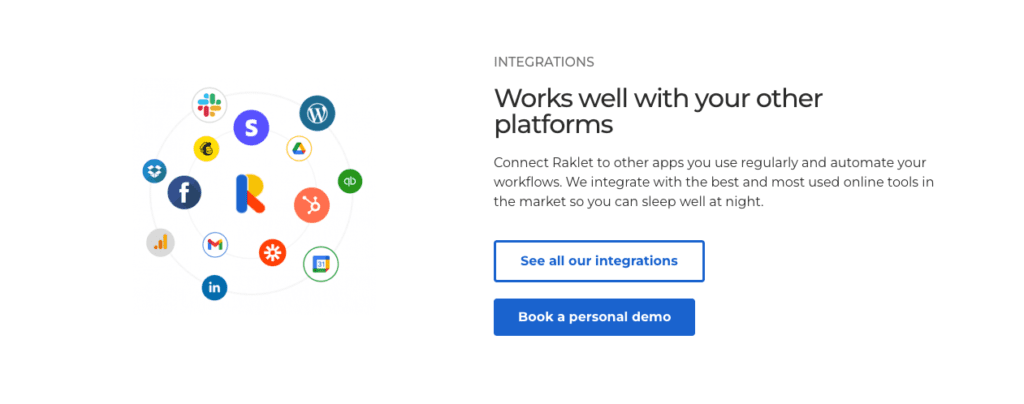
Raklet’s pricing starts with the Free plan, which covers basic CRM and community tools and displays Raklet branding. Email and contact limits apply. It’s a safe way to try the platform or import a small member list before making a bigger commitment.
Essentials costs $49 per month and removes most branding, supports a custom domain, and bumps email limits. Small clubs and groups use it to run paid tiers and simple events without heavy automation.
Professional is $99 monthly and adds advanced segmentation, more admin seats, and higher allowances for email, SMS, and push notifications. Priority support starts here. Growing associations with frequent events use it when outreach needs more power.
Premium sits at $399 each month and offers advanced reporting, custom roles and permissions, onboarding help from Raklet’s team, and much higher communication limits. Multi-chapter organizations and communities with complex workflows pick this level.
Add-ons change the total cost of ownership. Common extras include SMS credits charged per message by country, a branded mobile app setup with ongoing maintenance fees, onboarding packages with hands-on help, and payment processor transaction fees like Stripe at about 2.9% + $0.30 per charge. Budget for these on top of the base subscription.
Raklet pricing explained with plan differences and true costs
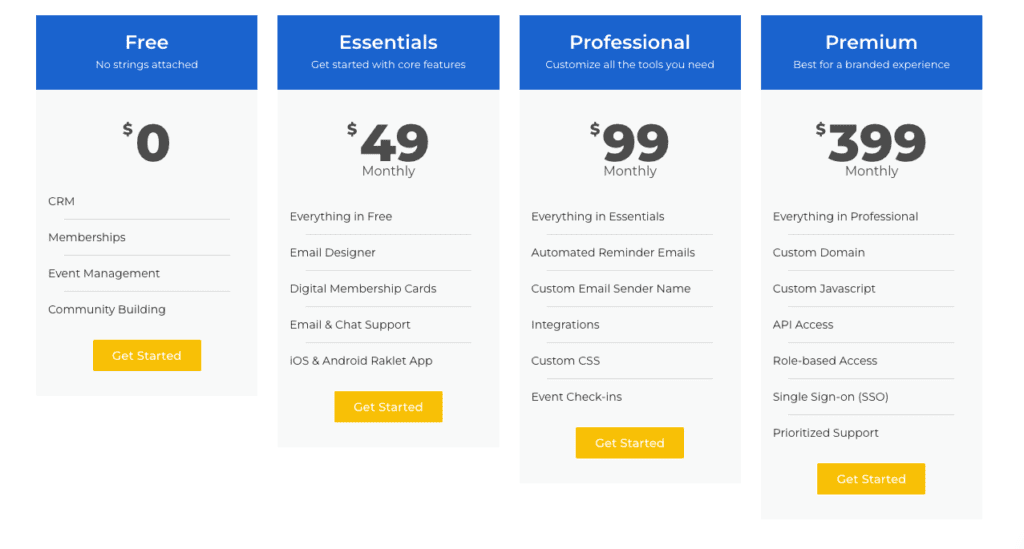
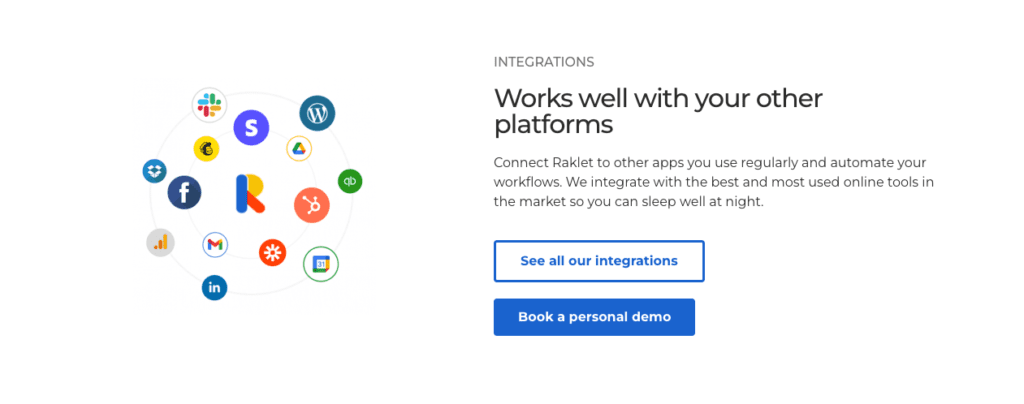
Raklet mixes built-in integrations with a connector approach through Zapier and Make, so it plugs into thousands of apps. It connects directly to payment processors like Stripe, which makes billing straightforward without switching between tools. Communities can tie member data to CRMs, accounting platforms such as QuickBooks, learning systems, or communication tools like Slack and Google Sheets. When someone joins or renews a membership, Raklet can update contact details in the accounting tool or grant access to an online course automatically.
Webhooks and APIs add flexibility for custom workflows or dashboards outside standard tools. They push event registrations and membership changes to external databases or reporting platforms. This suits teams building tailored reports or syncing data across several systems. Check documented quotas and rate limits in advance.
Complex automation sequences with multi-step conditional logic are harder to set up. Different email flows based on membership tiers with scattered exceptions usually sit in Zapier or Make, not inside Raklet. More moving parts raise both setup effort and costs, especially compared to platforms with built-in rules engines for branching journeys.
- Multi-step conditional automations require third-party tools
- Increased complexity from managing separate automation platforms
- Additional expenses tied to connector usage beyond base pricing
- Limited native support for advanced marketing funnels or lead scoring
Raklet fits when a single, clean member record with integrated communications matters most. It serves as an all-in-one hub that cuts app bloat and covers core needs. Communities that need sophisticated marketing automation with deep finance integration, including ERP-level syncs, may prefer specialized platforms designed for those specific tasks.
Integrations and automation options and when to use them
Raklet sets up fast, especially with its templates. It pulls CRM, events, payments, and messages into one place, so data stays in sync and teams stop flipping between tools. Support replies fast and solves problems. It grows with larger groups, but costs rise as contact counts and messaging add‑ons stack up. Digital membership cards help with access and perks. Branded mobile apps give communities a clean, on-brand presence without extra workload.
A city association with 1,200 members runs monthly meetups and a big annual conference. Raklet covers registrations, ticketing with member pricing, and targeted email in one workflow. A fitness club runs tiered memberships and QR code check-ins at classes, so no paper passes are needed. Nonprofits organize donors and volunteers with segmented messages that inform the right people without flooding inboxes. Paid online communities that sell tickets and share exclusive content fit well, too.
Very small groups may feel it’s more software than they need. Teams that want complex, branching marketing automations or deep ERP links beyond Zapier or Make would be better served by specialized tools, often at a lower price.
Try a quick fit check:
- Import about 200 sample contacts with tiers and tags to mirror your database.
- Set up one paid membership plan in Stripe’s test mode so no real charges run.
- Create an event with member-only pricing to see how exclusivity works.
- Send a segmented test email to specific tags or tiers like a real campaign.
- Issue a digital membership card for a teammate and scan it at a test check-in.
- Review reports on memberships, event sign-ups, and email engagement to confirm data flows across modules.
If about 80% of core workflows fit inside Raklet and only a few light automations rely on one or two connectors, it’s a strong go-ahead. Communities that need intricate campaign paths or ultra-low-cost setups built for tiny groups should look at simpler niche tools first.
Leave a Reply