Growing a startup or scaling a business often means the old shared inbox stops cutting it. Teams look for a real help desk, then run into a wall. Legacy tools hide basics behind expensive plans. Costs climb while limits on roles, SSO, or automation get in the way, right when customers expect faster answers.
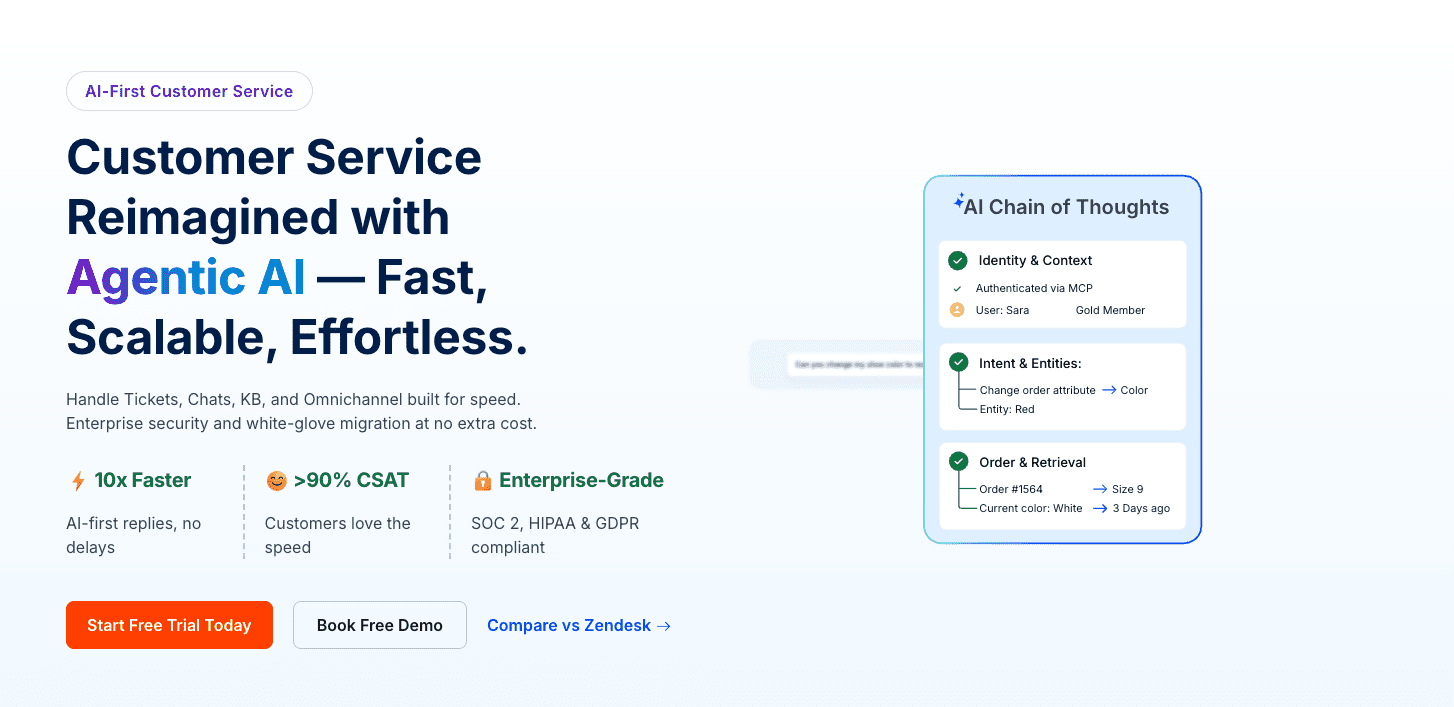
BoldDesk steps in with a different pitch. It puts AI at the center, keeps pricing clear, and skips surprise paywalls. Enterprise compliance is built in for audits and security reviews. Its automation helps offload a large chunk of repetitive tickets once workflows are in place. The platform covers ticketing, live chat, omnichannel inboxes, and knowledge bases, and it ships with mobile apps for work on the go.
This review looks at how BoldDesk performs in practice. Ticket handling, live chat, AI assistants, and pricing all get attention, as does where it fits in a company’s growth path. For founders weighing modern support options that scale without blowing the budget or giving up control, BoldDesk deserves a close look.
Ticketing and the Agent Portal that keep SLAs on track

BoldDesk puts agents in control with a clean, focused portal. Everything sits in one place. The inbox shows every ticket with status, priority, and quick filters that make sorting fast. Team notes and @mentions stay internal, so customer threads stay clear. Collision detection stops overlapping replies, so no one sends a duplicate answer.
Alerts show up the moment something changes. New tickets, SLA timers about to expire or already missed, tasks assigned to a specific agent, and customer replies all trigger instant notifications. They appear in the browser and on mobile, so important updates reach the right person at the right time.
SLA rules mirror how support teams actually work. Time targets cover first reply, next reply, and final resolution, and they respect business hours and company holidays. Tickets route by round-robin or by specific skills to balance workloads. Reports surface core stats like first response time and average response time, giving leaders a clear read on team performance.
Setup stays straightforward from day one. Import past emails through IMAP or forwarding. Map fields such as plan type and priority for accurate sorting. Create macros and canned replies to speed up routine responses. Add escalation rules for VIPs so urgent issues move to the front of the line. With this onboarding path, teams go live in days, not weeks.
Integrations that connect Stripe, WooCommerce, and Aircall
Support teams get one place to handle calls, chats, orders, and payments – no more tab hopping. Everything shows up in a single view, so agents work faster and customers get clearer answers.
Aircall integration shows caller details the moment the phone rings. A screen pop with history means agents don’t start blind. Missed calls and voicemails turn into tickets with linked recordings. After each call, teams add tags or trigger short CSAT surveys to keep feedback coming in.
WooCommerce data sits in the ticket sidebar. Order IDs, items, shipping, and refund status appear next to the conversation. Agents don’t switch tools, so purchase questions get resolved sooner.
Stripe data shows current payment status at a glance, including subscriptions, invoices, and failed charges. Billing issues get fixed on the spot, which helps reduce churn.
Office 365 Calendar sync makes scheduling follow-ups and callbacks quick. Real-time alerts land in tools like Slack through webhooks and connector apps, so high-priority tickets stay visible and on track.
Omnichannel support with live chat, email, and Twilio SMS
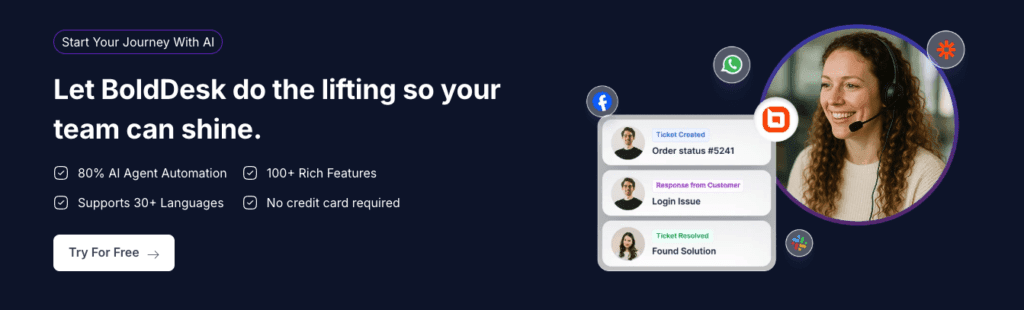
All customer messages land in one timeline, with emails, live chat transcripts, and Twilio SMS shown together. Agents see the full story at a glance and move through replies without losing context. Switching from email to chat to text still feels connected, so responses stay relevant and confusion drops.
Live chat goes beyond waiting for a ping. BoldDesk can trigger chats based on time on page or catch exit intent before a visitor bounces. Pre-chat forms collect essentials first, so agents don’t chase basic details later. File attachments inside the chat help troubleshoot faster. If no one is available, offline messages turn into tickets for follow-up, so nothing gets missed.
Twilio SMS brings fast, two-way texting for quick updates like delivery statuses or outage notices. Built-in opt-in controls keep messaging compliant, and rate limiting reduces spam complaints. It reaches customers where they’re already paying attention – their phones.
Routing treats SMS, chat, and email the same, with consistent SLAs across every channel. Urgent issues stay visible even when they arrive by text. Reporting stays clear and comparable because each interaction follows the same escalation rules, no matter how customers reach out.
Knowledge base structure and a self‑service portal you can tailor
Think of BoldDesk’s knowledge base like a clean, labeled shelf system that makes answers easy to spot. It starts broad with Categories, narrows into Sections, then Articles, and ends with Templates for consistent formatting. The hierarchy keeps navigation tidy. Visibility is handled with care, too. Some content stays public, while other pieces require login or assigned roles. It’s a safe way to share internal details without leaks.
Article work moves from draft to review, then live. Each step needs approval, so quality stays high. Version history keeps a record, so teams can roll back changes without stress. Related Articles appear in context while someone reads, which nudges people toward the next helpful step and avoids dead ends. It keeps readers engaged instead of bouncing away.
Brand fit matters. The self-service portal can match a company’s look with custom logos, colors, and optional CSS. Custom domains place it on the company’s own web address. Widgets sit where they’ll draw attention, even next to search boxes as someone starts typing. Smart suggestions guide people to existing answers before a ticket gets submitted.
Admins get clear numbers that show performance:
- How many tickets each article deflects by answering questions upfront
- Which search terms return no results, so teams add new content to close gaps
- How fast updates publish after product releases, keeping information current
These insights point effort where it counts and trim ticket volume as customers find solutions faster.
Pricing, AI automation, and who BoldDesk is best for
BoldDesk mixes powerful AI automation with clear pricing, so it stacks up well against Zendesk and Freshdesk. AI agents handle routine questions, and the AI copilot drafts replies that save time while keeping replies personal. Teams report automating about 20 – 40% of repetitive tickets once BoldDesk learns from past cases and the knowledge base. Pricing starts at about $99 per agent per month. AI features run on credits tied to chat volume and reply length, so it’s wise to forecast usage to avoid surprise bills.
Security and compliance stay front and center. SOC 2, HIPAA, GDPR, and single sign-on come standard. Migration help is free, covering old email imports, field mapping, and moving the knowledge base. This appeals to businesses ready to upgrade support without extra tech hassle.
Very small teams that only need a shared inbox may find the feature set heavier than necessary. The credit model also requires budget oversight as ticket volume shifts. Founders should decide if they need advanced tools now or if phasing them in as the team grows is smarter.
Curious about the fit?
- Review current ticket volume across all channels to set a baseline.
- Estimate which question types look automatable based on past patterns.
- Run a two-week trial or pilot to measure impact on resolution time and total cost.
This gives teams real data to guide next steps, whether they aim to streamline today or prep for tomorrow.
Leave a Reply