Spectra and Otter extend the native WordPress Gutenberg editor so founders can build custom sites without heavy page builders. Both are block libraries that drop into Gutenberg, add practical features, and stay light.
This review skips hype and looks at how each plugin works day to day. It compares:
- Features
- Design flexibility
- Performance impact on Core Web Vitals
- Ease of use
- Fit within the Gutenberg workflow
- Credibility and adoption rates
- Update frequency and stability
- Pricing structures and long-term value
Many founders care about total cost over several years, smooth compatibility with current themes, and when upgrades become necessary for forms or dynamic content. Spectra suits projects that need scale and a broader ecosystem. Otter fits simpler sites with tighter budgets while still offering solid quality.
What to compare first for founders choosing a Gutenberg plugin
Picking flexible blocks matters in 2026. WordPress users want sites that look custom without turning setup into a maze. Both tools shape how fast founders lay out pages, tweak styles, and reuse parts.
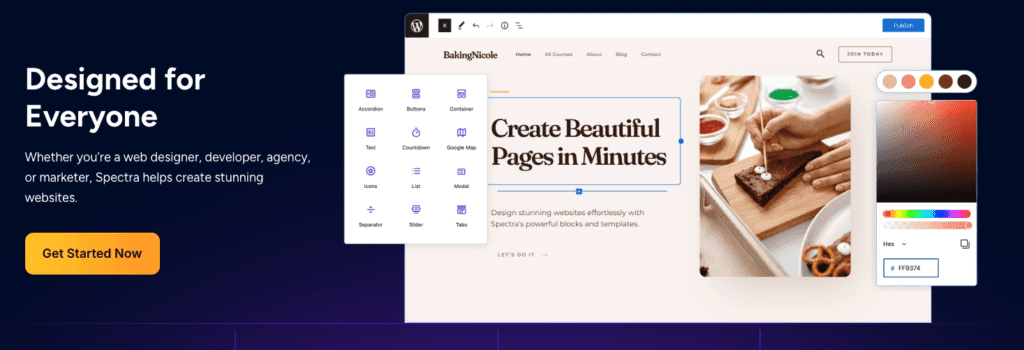
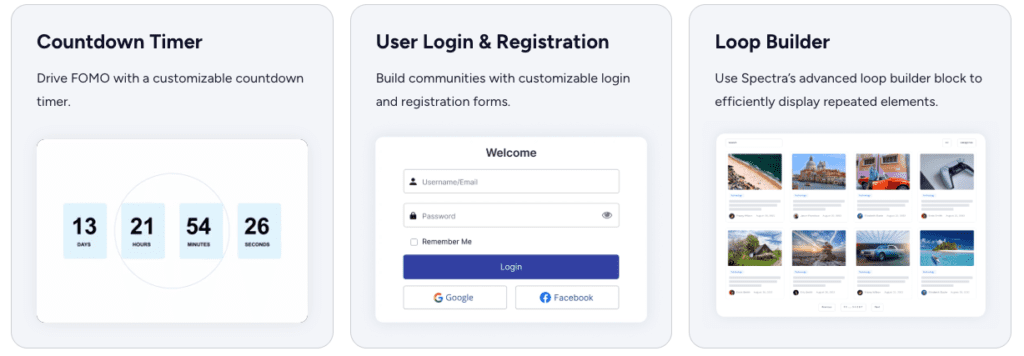
Spectra leans into advanced layout control like a full page builder. It uses containers with flexbox logic, so content shifts cleanly across screens. Style copy-paste keeps designs consistent, and global presets lock in brand choices across the site. The block set covers must-haves such as Advanced Heading (free), Post/Grid loops (Pro), Forms (Pro), FAQ/Schema (Pro), and Popup/Modal (Pro). These blocks give developers room to grow complex pages without extra plugins.
- Advanced Heading: Free
- Post/Grid Loops: Pro
- Forms: Pro
- FAQ/Schema Blocks: Pro
- Popup/Modal: Pro
Otter keeps things light and practical. Gutenberg Blocks and the Template Library offer a curated set of blocks with clean patterns for quick assembly. It suits marketing pages and blogs that need polish fast. Conditional display rules show or hide content by device or user role, mainly in Pro now. Animation controls add motion in a measured way. Google Maps and Charts have appeared before, though users should verify current availability and tier.
- Lightweight Block Set: Free plus some Pro features
- Conditional Display Controls: Mostly Pro
- Animation Controls: Some free, enhanced in Pro
- Google Maps & Charts Integrations: Verify current status, often tied to Pro
Design tradeoffs show up fast. Spectra digs into per-block control: spacing, typography, and container behavior. It aims to replace bulky page builders with precise tools inside Gutenberg. Otter favors ease, with a clear interface that covers enough ground to make sharp marketing sections quickly without endless toggles.
Workflow follows the same split. Spectra pairs tightly with Astra starter sites, which helps teams already invested in that setup or seeking strong theme synergy. Otter stays theme‑neutral and surfaces ready‑made sections right in the inserter, which speeds up builds when time matters more than deep tuning.
Features and design flexibility that matter in 2026
Fast sites win. Slow ones lose visitors and rankings. Core Web Vitals makes that clear. A plugin’s speed and how quickly someone learns it both decide whether it becomes a daily tool or a roadblock.
Asset loading drives performance. Smart CSS and JavaScript delivery keeps pages light. One plugin skips jQuery and ships clean markup with bundled styles to cut bloat. Another focuses on lightweight blocks to reduce overhead. Both need real testing on a staging site with Lighthouse or WebPageTest to see the actual impact. Important checks include turning off unused assets and loading block styles only when a block appears on the page.
Trust data, not claims. Build the same demo page under the same theme and content, then compare. Watch Largest Contentful Paint and Cumulative Layout Shift. Note render-blocking requests and total kilobytes transferred. The winner shows lower LCP, stable layouts, and fewer heavy files.
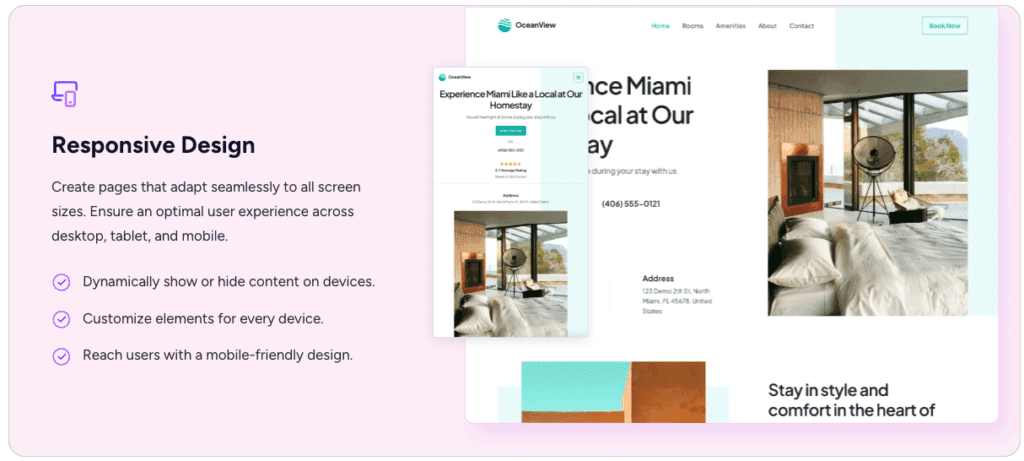
Interface choices shape speed of work. One plugin offers deep controls and granular styling, which adds more panels and slows first builds. Another keeps toggles tight, so first-time layouts go up faster. Tests show the lighter interface wins on setup time, while the feature-rich option pays off for users who spend extra minutes to dial in details.
Compatibility still matters. Both usually work with WP Rocket and LiteSpeed Cache, though site-specific conflicts pop up with minification or deferred scripts. Confirm in a real environment. Both follow theme.json for global styles, so brand colors and fonts stay consistent across blocks, no matter which plugin supplies them.
Spectra overview with advanced blocks and layout controls
Before choosing Spectra or Otter, it helps to map out real costs over a few years, not just the first invoice. Upfront pricing looks friendly, but Pro-only features and renewal increases can push budgets upward after launch discounts fade.
- Single Site Brochure
For a basic brochure site without forms or popups, both plugins stay mostly free. Spectra’s Advanced Heading block covers common styling, and Otter’s lightweight blocks handle tidy layouts. - No Pro tier needed when forms, popups, or conditional displays aren’t in scope.
- Entry licenses usually cover one site. Renewals often rise 20 – 30% after year one.
- Refund windows range from 14 to 30 days based on each vendor.
Across three years, spending stays close to $0 beyond hosting and domain if features remain in the free range.
- Content Site with CPT Grids & Conditional Blocks
Sites with custom post types, grid loops, and role- or device-aware content hit Pro fast. Spectra places Post/Grid loops and FAQ/Schema in Pro, and Otter puts conditional display and several advanced animations in Pro. - Spectra’s multi‑site licenses start mid‑tier and can fold into Astra bundles for savings.
- Otter starts lower per site but usually charges per domain with fewer bulk discounts.
- Renewals jump about 25% after the first year, so plan for that in multi‑year budgets.
Extra tools add up when schema or popups require separate plugins. Bundled features help cut plugin sprawl and reduce maintenance across updates.
- Small Productized Service with Lead Forms & Popups
Lead forms and popups push both plugins toward paid plans. Spectra gates forms and modals behind Pro, and Otter keeps most of these in its premium tier too. - Multi‑site growth brings higher license costs. Spectra’s pairing with Astra templates helps agencies and freelancers with several client sites.
- Otter works well for a single polished site thanks to a lower starting price, even with fewer advanced blocks.
- Over three years, expect renewal increases plus possible add‑ons for analytics or CRM connections, which lift total cost beyond first‑year quotes.
External form or popup services add fees and more moving parts. Updates then land on different schedules across vendors instead of one package.
Looking at value, different founder profiles stand out. Multi‑site teams tend to save more by combining Spectra with Astra starter packs due to volume discounts and tighter workflows. Single‑site owners often prefer Otter’s simple pricing to avoid paying for extras early.
Otter overview with lightweight blocks and templates
Plugin choice depends on how much depth the site needs now and a year from now. Spectra suits projects that plan to grow, want precise layout control, and benefit from tight Astra theme integration. Otter stays light and simple, good for fast builds without sifting through layers of settings or extra admin work.
Both come from trusted teams. Brainstorm Force makes Spectra, the folks behind Astra and Convert Pro. ThemeIsle builds Otter and maintains Neve. This track record signals steady updates and support. Over the last year, each shipped regular releases aimed at security and Gutenberg compatibility, with no sweeping rewrites.
Run a short test before paying. Rebuild two identical pages with each plugin on a staging site. Compare Core Web Vitals in the same environment. Note which Pro features actually get used, then map those needs to cost.
A simple test plan might look like:
- Duplicate two key pages in WordPress with Spectra blocks, repeat with Otter blocks
- Run performance audits (Lighthouse or WebPageTest) focusing on LCP and CLS
- Record any Pro-only features needed to complete layouts
- Calculate total three-year costs, including renewals
This practical trial gives founders evidence, not hype. It links the chosen block plugin to the roadmap and keeps budgets under control.
If that trial points toward Otter, the details worth checking before committing are in our Otter WordPress plugin review.

Leave a Reply