
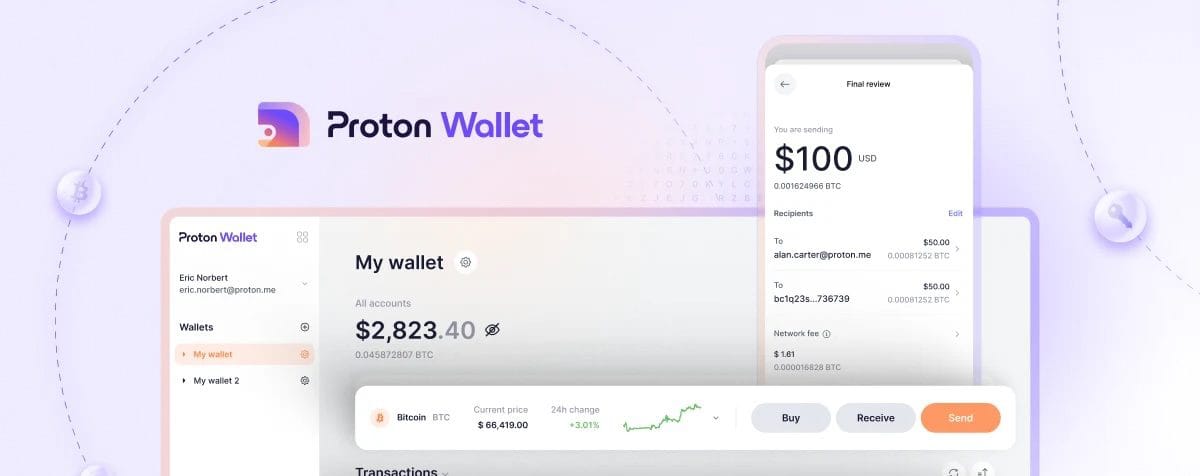
Proton Wallet takes a different approach to Bitcoin. It pairs self-custody with an email-style experience. The wallet links to a Proton Account, which combines email and identity in one place. With that link in place, people can send or receive Bitcoin with an email address. For anyone who finds seed phrases and long addresses stressful, this feels approachable.
This review checks how well Proton Wallet balances that convenience with real self-custody. It doesn’t stop at a feature list. It looks at what happens when someone loses access to an account, a phone gets stolen, or servers go down. Those moments separate a trustworthy wallet from a risky one.
Testing took place on an iPhone 14 Pro with iOS 18.1 and a Pixel 7 with Android 14. Both free and paid Proton accounts were included to see where capabilities differ. The aim is simple. Does “Bitcoin via Email” make everyday use safer and less frustrating, while keeping users in control of their money?
Proton Wallet security model and Bitcoin via email
Private keys stay on the user’s device, inside the phone’s secure enclave or keystore. These hardware zones protect sensitive data and don’t let keys leave. Nothing goes to Proton servers. Local storage lowers risk and keeps real control with the user.
Seed phrases follow BIP39 with 12 or 24 words. An optional passphrase, often called the 25th word, adds another layer of protection. Backups happen in the app and should be written down offline, since Proton never stores seeds. The flow is simple:
- Open settings > Security > Backup Seed Phrase
- Reveal the words and write each one down
- Confirm by re-entering selected words
This supports self-custody and removes guesswork from a task many people find stressful.
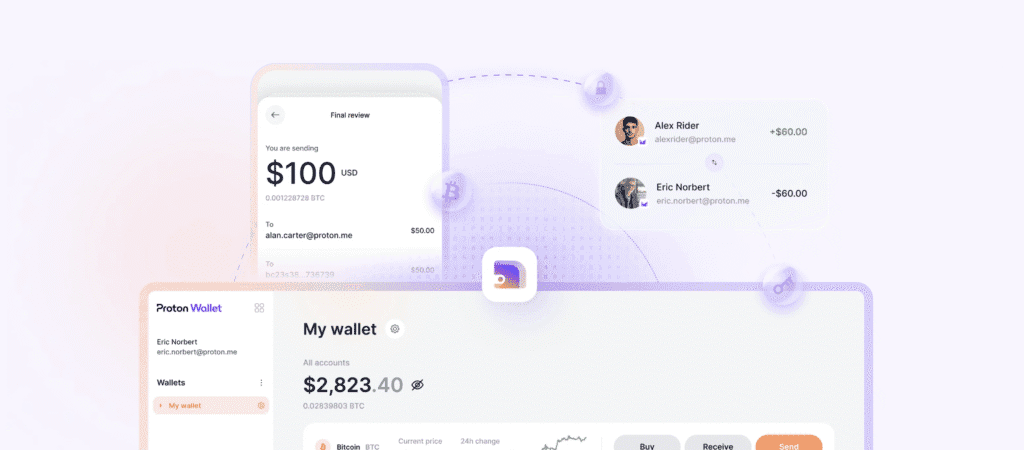
Email-style payments make Bitcoin feel familiar. Encrypted email pairs with Bitcoin so senders don’t deal with long addresses. An email handle maps to a Bitcoin address during setup on the server side. When someone sends to an email, the system creates a pay-to-claim voucher, similar to a Lightning invoice. Only the intended recipient can unlock it with the private key stored locally.
Money movement looks like this:
- Off-chain transfers run over the Lightning Network behind those email handles, giving near‑instant payments without hitting the blockchain right away.
- On-chain transfers occur when needed, like withdrawals, and appear on the public ledger with standard details such as amount, time, and receiving address.
Email notifications don’t include secrets. They carry claim links that route back into Proton’s system. Messages between Proton Mail users have end‑to‑end encryption, so only sender and recipient read them. Messages sent to outside providers travel over TLS in transit, but lack full end‑to‑end content encryption.
Compatibility is broad. The wallet supports Taproot (P2TR), Native SegWit (P2WPKH), and P2WSH addresses to keep fees low and improve privacy. PSBTs are supported, letting advanced users sign transactions externally before broadcast. Hardware wallets aren’t integrated directly yet, though the PSBT flow makes coordination possible.
Proton Wallet threat model and account compromise
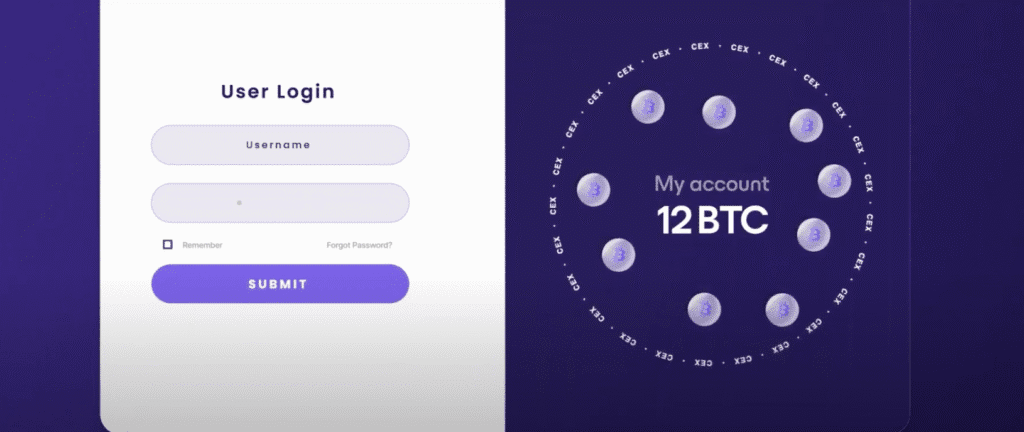
Account takeover isn’t a distant risk with Proton Wallet. It’s a real scenario with clear guardrails. If someone pulls off a SIM swap or guesses a weak password, they might get into the Proton Account email and identity hub. Without the phone that holds the private keys, funds don’t move. Bitcoin control stays tied to the device. Two-factor authentication with TOTP or hardware security keys adds another layer that blocks most imposters. Recovery options include recovery emails and time-locked resets, which slow down fast hijack attempts.
Devices introduce separate risks. Malware on the phone or outright theft becomes dangerous if protections are weak. Proton Wallet relies on built-in smartphone defenses. Biometric locks like fingerprint or face ID, plus app PINs, protect access. Duress PINs help in emergencies, and the app blocks screenshots to keep sensitive info off the screen record. Spending limits, with re-authentication for each transaction, make quick theft of large amounts harder.
Forgotten passwords stop access, so recovery matters. For account login issues, the process uses registered recovery emails and verified resets with waiting periods that deter rushed takeovers. Wallet keys are different and stricter. Seed phrases are exported only inside the app under controlled steps. Lose those outside that flow and funds become unreachable forever because Proton never stores wallet secrets on servers.
Blockchain privacy gets careful treatment. Address reuse is discouraged. New addresses reduce linkability across transactions, which helps keep ownership details quieter. Labels help track coins. Change addresses are handled automatically, so fewer clues remain for anyone scraping public ledgers. Network connections go through Proton-operated nodes. Traffic centralizes there, which avoids exposing user IPs to third-party nodes.
Service interruptions still happen. Servers can go down, and some regions block traffic. When Proton servers are offline or geoblocking hits, features tied to proprietary endpoints suffer. Email-to-Bitcoin mapping slows or stops, and push notifications may lag. Basic spending keeps working if the wallet has direct network reach, though extra steps might be needed until full service returns.
Proton Wallet features and pricing that set it apart
Proton Wallet starts with a Proton Account. One login covers email, identity, and the wallet. Setup walks users through a seed phrase backup right away. It asks for 12 or 24 words, then confirms them in the app. After that, sending a first Bitcoin payment takes a few minutes if there’s a balance already or a friend sends some. No long crypto strings to share, either – Email-style handles keep it simple.
The email-like flow makes sending and receiving feel familiar. Fee controls offer manual entry in sats per vByte or automatic picks based on current mempool conditions. It avoids heavy jargon while leaving room for precise control. RBF lets users bump fees later if a transaction stalls. History includes filters for date and activity type, so finding a payment doesn’t turn into endless scrolling. Contacts sync with Proton Mail and allow saving outside emails, which speeds up repeat payments.
- Send and receive with email handles
- Manual or automatic fee selection
- RBF for fee bumps after send
- Mempool-based fee estimates
- Filterable transaction history
- Integrated address book with email contacts
Proton Wallet comes included with every Proton Account, even the free tier. Free accounts face daily caps on “Bitcoin via Email” transfers to prevent abuse. Paid plans such as Mail Plus and Unlimited lift those limits a bit, but they don’t add special wallet-only perks. Core Bitcoin features stay the same across plans.
Users already on Proton Mail, VPN, Drive, or Pass get a smoother setup. One sign-in, shared 2FA options, and encrypted contacts carry across services. Security feels easier to manage without separate logins for each app. Still, one account controls many services. Losing access to the central login could pause email and wallet activity until recovery finishes.
What else sets it apart?
- End-to-end encrypted email notifications for Bitcoin claims, with details revealed only on the user’s device.
- A tight link between email addresses and Bitcoin wallets while keeping raw keys local.
- Strong ties to Proton Identity, connecting payments to verified digital identities instead of random strings alone.
There are trade-offs. The system relies on Proton’s servers, which introduces some downtime risk and limited metadata exposure from centralized routing instead of a fully peer-to-peer path.
How Proton Wallet compares to hardware wallets and privacy trade‑offs
A simple way to get into Bitcoin without fuss, Proton Wallet makes sending feel familiar for people who hate clunky addresses. The email-style flow helps with everyday payments and makes it easy to bring friends on board. Convenience has limits though. Privacy leans on Proton’s own infrastructure instead of a personal node, which means extra metadata exposure compared to fully private setups. Seed phrases and device security still sit at the core of recovery. Email-to-Bitcoin features also rely on Proton’s servers, so downtime or delays remain possible.
Thinking about a Proton Wallet vs hardware wallets comparison? Use this quick guide.
- Balance size & threat level:
- Large holdings needing cold storage? Choose hardware wallets.
- Frequent small transactions or daily spending? Proton Wallet fits well.
- Workflow complexity:
- Multi-signature setups or PSBT signing workflows require hardware wallets.
- Easy peer-to-peer payments via email work best with Proton Wallet.
- User comfort:
- Prefer hassle-free onboarding without complex keys? Use Proton Wallet.
- Ready to handle physical devices and manual backups? Hardware wallets win.
Default connections go through Proton’s nodes. Tor or a VPN helps hide network data better. Avoid address reuse to protect privacy, though coin control is limited versus privacy-first wallets that let a user run a personal node.
Testing on app versions 1.0.x with iOS 18.1 and Android 14 showed smooth syncing during peak mempool congestion. Fee estimates updated on time, with minor delays when server endpoints lagged under load. No critical outages appeared.
Verdict by persona:
- New users: Easy sends without crypto jargon. Review recovery steps with care.
- Privacy-conscious users: Add tools like Tor or a VPN, or pick a self-hosted setup for maximum privacy.
- Long-term savers: Store long-term funds in hardware wallets or multi-sig instead of hot apps for peace of mind.
To stay safe and get more from any setup:
- Enable strong two-factor authentication, security keys preferred.
- Record a seed phrase offline in a secure place and test a restore before moving large sums.
- Set spending limits in a hot wallet to reduce theft risk.
- Move sizable savings to cold storage, hardware wallets, or a multi-signature arrangement that matches personal needs.
Is Proton Wallet losing touch review readers who care about Defending privacy and freedom will likely weigh convenience against reliance on centralized servers. For some, the mix works. Others will prefer self-hosted tools or hardware devices for tighter control.
Leave a Reply