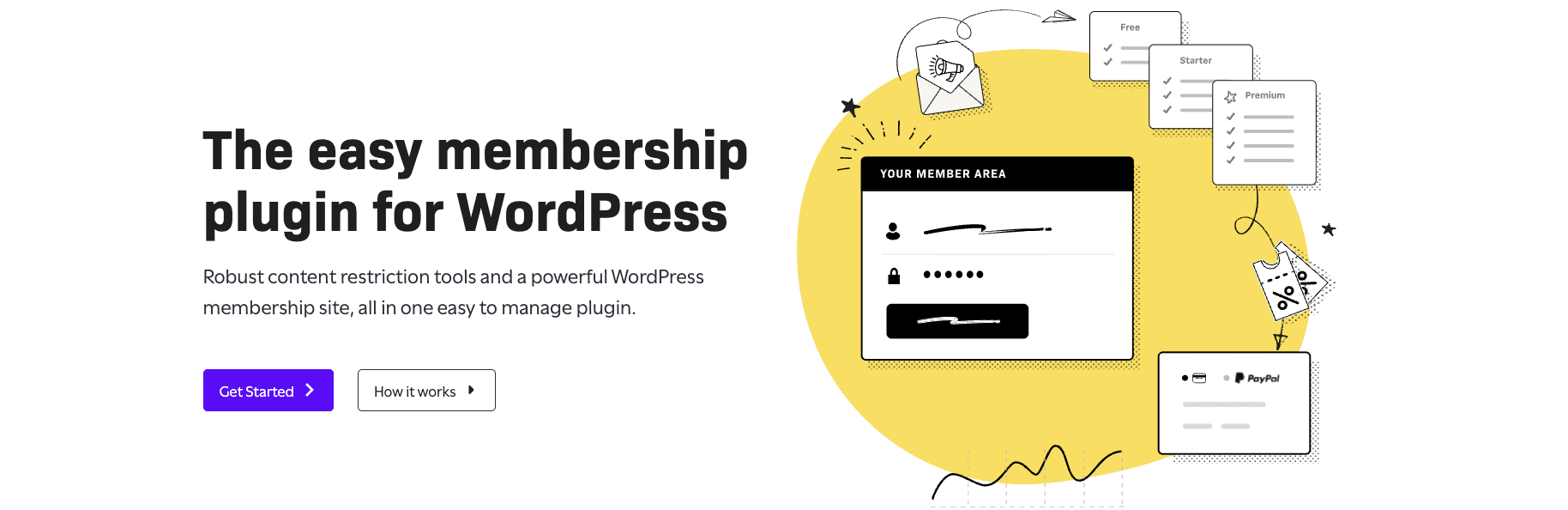
Restrict Content Pro is a straightforward WordPress plugin for paid content access. It doesn’t aim to be a full learning system or a big community hub. It focuses on the basics, like who sees what, recurring payments, and simple membership controls.
This review covers hands-on testing on a fresh WordPress site with Stripe in test mode. Every step, from installation to checkout, got tested directly.
It fits sites with premium articles, newsletters, or digital downloads with tiered access. Solo creators and niche publishers get clean, focused tools without bloat. Teams that need heavy LMS features or complex enterprise workflows may find it too light.
For people who want simple membership controls done right, Restrict Content Pro offers practical value worth a look.
Key features explained for access control, payments, and content delivery
Restrict Content Pro gives site owners precise control over who sees what. Access can be limited by post, page, category, or tag, and it supports multiple membership levels with their own end dates and optional free trials. Members can switch tiers up or down without friction.
Stripe and PayPal are available out of the box for payments. They handle one-time charges and automatic subscription renewals. If a payment fails, the software emails reminders so staff don’t have to chase invoices.
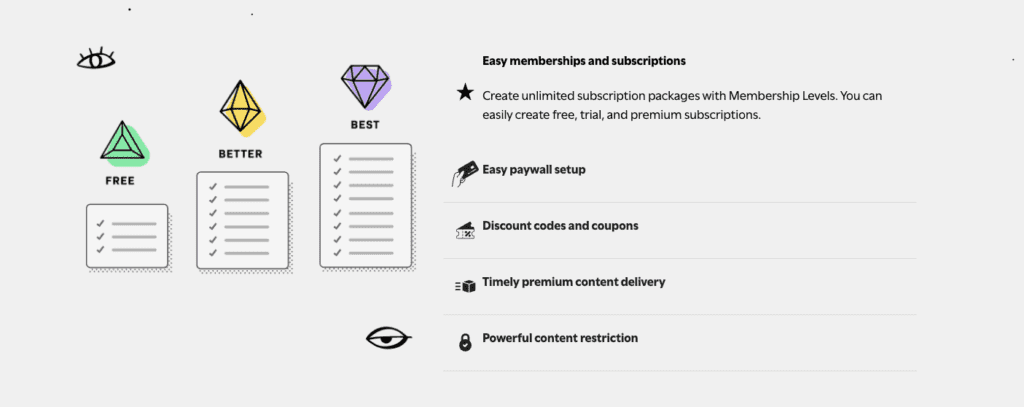
Content delivery includes drip schedules, where access unlocks over time based on a member’s signup date. Member-only shortcodes and blocks hide sections from the public while showing short previews to non-subscribers. Visitors see a sample, then subscribe for the rest.
Revenue helpers include:
- Discount codes with expirations or usage limits
- Prorated upgrades so members pay only the difference when changing plans
- Built-in reports for revenue, refunds, active users, and churn trends
Ease of use for setup, settings, and everyday workflow
Restrict Content Pro is easy to pick up right after install. A new WordPress user can set up Stripe in test mode, create a paywalled post, and get the basics live in about 25 to 40 minutes. That’s fast for a membership site with multiple moving parts like membership pages and payment gateways.
The setup wizard does most of the work. It auto-creates key pages – Register, Account, Subscription, and Success – so there’s no need to build them from scratch or chase shortcodes on day one.
- The initial setup wizard creates core pages that form the backbone of any membership site.
- When editing content, Restrict Content Pro offers Gutenberg blocks and shortcodes to protect sections inside posts or pages. A meta box on each post lets admins assign access levels directly without relying only on categories, which helps cut mistakes when controlling who sees what.
- Day-to-day admin work is simple thanks to clear menus: Members, Subscriptions, Payments, and Reports. Bulk actions cancel memberships or change levels in one go, and CSV exports move data out for offline review or backups.
Documentation is organized with step-by-step gateway guides and a library of code snippets for custom tweaks. Support runs through StellarWP tickets. Response times depend on plan level, so it’s smart to check the current service agreement before signing up.
Integrations with payments, email, and the WordPress ecosystem
Restrict Content Pro works with several payment gateways out of the box, so setup is quick and straightforward. Stripe is the main option for credit cards, plus Apple Pay and Google Pay through Payment Request buttons. Check Stripe’s regional support first to avoid failed onboarding in unsupported countries. PayPal is available too with Standard and Express, which gives members familiar, secure ways to pay.
Email marketing and CRM tools are covered with native add-ons for Mailchimp and ConvertKit. These integrations tag members by subscription level, so segmentation and targeted campaigns run automatically without extra steps. For platforms like ActiveCampaign without a native add-on, webhooks and Zapier keep data moving between systems.
The plugin fits well in the wider WordPress setup. It integrates with Easy Digital Downloads so memberships can include digital products, useful when selling exclusive files with subscriptions. On the design side, it supports Elementor and Gutenberg, so creators can gate content inside posts or pages without digging into code. Caching plugins usually behave correctly once logged-in exceptions are configured, which avoids stale pages or incorrect access states showing up for members.
Developers get a lot of control through actions, filters, and webhooks. Custom workflows are straightforward, like mapping user roles during checkout or adding custom fields for a specific membership. Event triggers such as subscription cancellations can remove users from private forums right away and reduce manual admin work while keeping the member experience smooth.
Pricing and plans with real costs, limits, and what you get
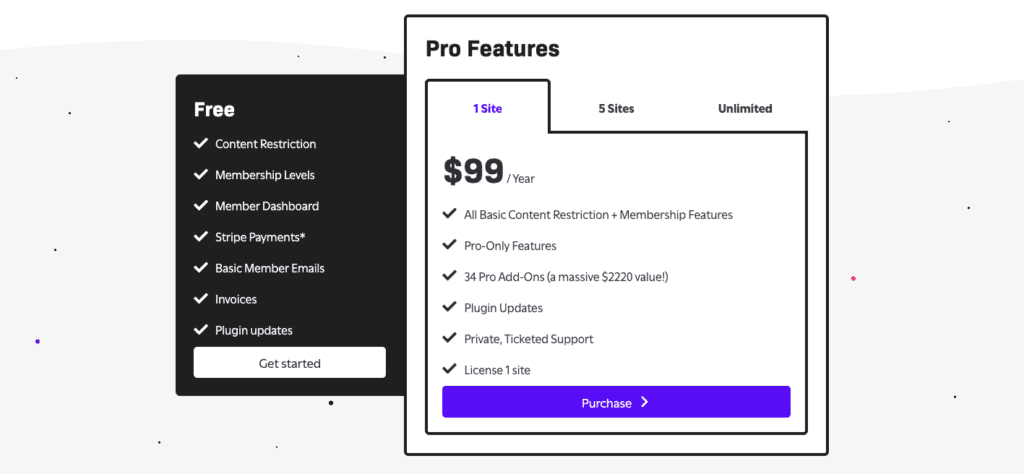
Restrict Content Pro offers a few plan levels. The core license covers one site and gives the essentials most membership setups need. Higher tiers include every pro add-on and allow multiple sites under one license, which helps when running several WordPress installs. Pricing can change as add-ons are added or updated, so checking StellarWP’s pricing page before buying is wise.
An annual license includes updates and support for one year. Skip renewal, and the plugin still runs, but updates and support stop, which raises the risk of issues with newer WordPress or PHP versions later.
Total cost isn’t just the license. Factor in:
- Payment processor fees, such as Stripe’s 2.9% plus $0.30 per U.S. transaction
- Optional add-ons, including email marketing integrations, tax tools, or CRM connectors
Compared with MemberPress and Paid Memberships Pro, Restrict Content Pro often costs less for straightforward content restriction and basic automations. Competing tools can get pricey when full add-on access is required, especially if learning management features or complex workflows aren’t needed. For teams wanting clear control over who sees what without extra features getting in the way, RCP lands in a practical middle ground.
Is Restrict Content Pro worth it for your site? Our verdict and next steps
Restrict Content Pro suits teams that want straightforward membership tools without a pile of setup work. Member records are clear, with quick options to view, cancel, refund, or grant comp access. Switching membership levels takes a few clicks. Exports are simple, which helps with audits and reports. An audit trail tracks payments and status changes, so support staff can answer billing questions and sort chargebacks with confidence.
Churn controls are solid. Automated renewal reminders and failed-payment emails keep subscriptions active without constant manual work. Testing these flows in Stripe’s sandbox before launch is a smart safety check, since billing edge cases often appear only under pressure.
Reviews often point to a clean interface and a fast setup. Some point out the need for add-ons to reach certain features and occasional payment gateway quirks. This is worth factoring into the plan, but not a deal-breaker.
For sites that don’t need a full learning system or enterprise SSO, RCP works well as a stable core for recurring memberships.
Consider this before setup:
- Do content drip schedules or discount code limits matter?
- Are tax/VAT calculations required?
- Which email tools must integrate?
- How many members will the site support on a normal week?
- What response time is expected from support?
Run a 7-14 day trial on a staging site with Stripe test mode. Walk through signups, payment retries, cancellations, and upgrades. A short pilot like this confirms fit before paying for a license.


Leave a Reply