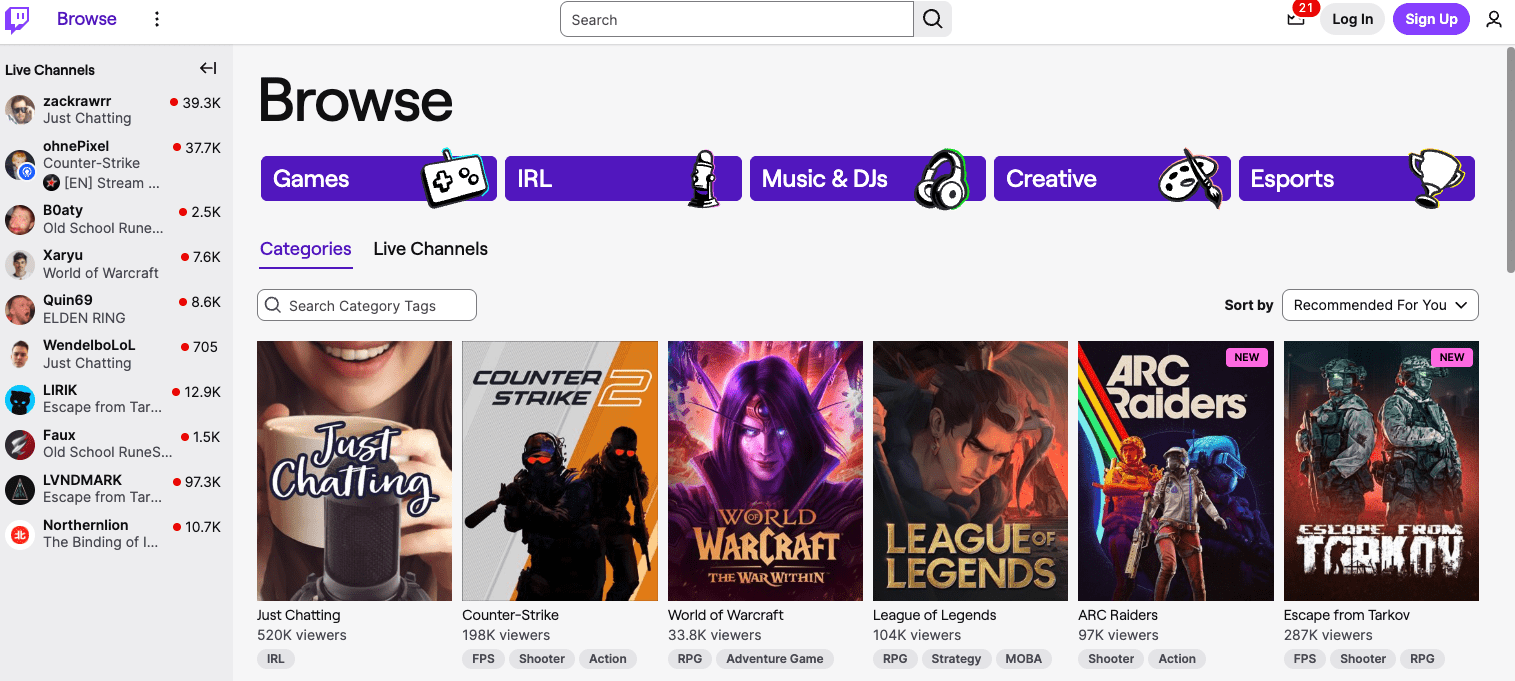
Jamie, a small Twitch streamer, spent months stuck at the same numbers, with only a few loyal regulars. After hearing Pokimane talk about consistency and time blocks, Jamie shifted stream hours to match peak times. Then Ludwig’s style of punchy titles and tight clips sparked a change in descriptions and highlight posts on social. Thirty days later, watch time climbed, and chat moved nonstop.
Pokimane makes a simple point: a real schedule builds trust. Viewers return when they know when a stream goes live. Ludwig adds a second lever: package the stream well. Short, clear titles and shareable clips pull in fresh viewers from outside Twitch.
The lesson isn’t abstract theory – engagement shows up in concrete numbers. Average concurrent viewers miss context. Live minutes watched and returning viewer rates show who sticks around and comes back.
This piece focuses on measurable growth. The target: at least a 15% lift in average watch time, plus a 20% jump in chat messages per hour within 30 days after applying three or more proven strategies. PC, console, VTuber, IRL – it applies across formats.
Each tip ties to practical steps, the exact numbers to track, and timelines from one week to a month. The goal is simple: make changes that move metrics fast and keep momentum going.
On this page
Pick a memorable name and niche viewers recognize instantly
Names and niches act like a quick intro – fast, clear, and easy to remember. A viewer decides in seconds whether to stay or move on. A simple, catchy name helps a channel stand out in a crowded category.
Use these filters when choosing a Twitch name:
- Under 15 characters
- Easy to pronounce
- No random numbers unless they tie to the brand or mean something personal
- Passes the radio test: say it once, and a friend should spell it without asking
Examples that fit: StreamNest, PixelRush, GameVibe, ChillQuest, ByteWave.
Do a quick sweep before committing. Check availability on Twitch, YouTube, Twitter/X, and TikTok. Check domains like .com or .gg if a site might happen later. Look at page one on Google. If a similar creator already owns that space, tweak the name.
A clear niche tells viewers exactly what to expect each time. A simple formula helps: Game or Category + Hook + Cadence. Example: “Escape From Tarkov budget builds, daily 60‑min lunch streams.” It sets expectations and attracts people who want that content.
Creators like Ludwig and Valkyrae stress making a strong promise upfront and delivering it often. Their clips show how clarity brings people back because viewers know what makes the channel distinct.
During the first 10 streams, aim for:
- At least 30% returning viewers showing up regularly.
- One recurring segment or theme chat members mention unprompted by the tenth stream.
Build a consistent schedule viewers can plan around
Viewers like routine. When a streamer goes live at the same time every day or week, fans make room for it. Random start times might grab a few people, but they don’t build habits. Big creators pick a start window, like 6 – 8 PM ET, and stick to it. It’s not just discipline – it builds trust and a sense of “see you then.”
Here’s a simple 4-week schedule with built-in buffer days:
| Week | Monday | Tuesday | Wednesday | Thursday | Friday |
|---|---|---|---|---|---|
| 1 | Stream 6-8PM | Buffer Day | Stream 6-8PM | Stream 6-8PM | Buffer Day |
| 2 | Stream 6-8PM | Stream 6-8PM | Buffer Day | Stream 6-8PM | Buffer Day |
| 3 | Buffer Day | Stream 6-8PM | Stream 6-8PM | Buffer Day | Stream 6-8PM |
| 4 | Stream 6-8PM | Buffer Day | Stream 6-8PM | Buffer Day | Stream Special |
Buffer days protect momentum while leaving room for life, prep, or surprises.
Many top creators set time limits to avoid long, drifting streams. Work tends to stretch to fill open space unless you set boundaries first. Set your time blocks, keep it tight, and deliver a clean experience.
A focused stream might run like this:
- Warm-up (15 minutes): Chat hellos, quick updates, set the mood.
- Main segment (90 minutes): Core gameplay or content focus, highest energy.
- Community game (30 minutes): Viewer games or interactive bits.
- Wrap-up (15 minutes): Highlights, shoutouts, tease the next stream.
This outline keeps the pace sharp and viewers engaged from start to finish.
Data supports it. Consistent start times lead to higher concurrent viewer counts in the first 30 minutes. Alpha Gaming reports channels that maintain narrow start windows see early spikes versus channels with loose, drifting starts. Reliability pays off right away.
Automation tools help keep schedules synced across platforms:
- Google Calendar with reminders one hour before going live.
- Twitch Schedule updated weekly with exact times on the channel page.
- Discord event announcements timed with Twitch alerts for community buzz.
- StreamElements countdown timers on overlays and social posts for real-time buildup.
Track the numbers. Aim for under ten percent variance in start times across two weeks. In practice, that means within five minutes of your planned time most days. Watch seven-day return viewer rates. Solid consistency often lifts them by ten to fifteen percent as fans learn they can count on the stream.
Make chat the show with smart prompts and widgets
Chat drives a Twitch stream. When viewers feel heard and involved, they stay longer and often bring friends. Keeping chat lively isn’t about glancing at messages – it’s about smart, flexible tactics as the audience grows.
Under 50 concurrent viewers (CCV), aim to read a message every 30 – 60 seconds. The rhythm shows attention without overload. Above 100 CCV, reading everything won’t happen, so shift tactics. Use polls, channel points rewards, and pinned prompts like “What’s your favorite game moment today?” or “Vote for next challenge!” These seed conversations and keep energy up even when direct replies slow down.
Widgets help a lot. On-screen alerts for follows or subs should run about 2 – 3 seconds with audio near −18 LUFS to avoid jump scares. Goal bars show progress toward milestones and build hype in real time. Recent events panels show newcomers what’s happening now and nudge them to chat.
Quiet stretch? Pull out the playbook. Highlight first-time chatters with a quick shoutout: “Welcome [username], glad you’re here!” Ask timed Questions of the Day like “Best gaming snack?” Spin up mini-games such as Marbles on Stream (https://marblesonstream.com) or Crowd Control (https://crowdcontrol.live). Both add interactivity without heavy CPU load if configured right.
Moderation comes first to keep chat safe and welcoming. Start with AutoMod level 2 and a banned words list tuned to the community vibe. For every 50 CCV, assign at least two trusted moderators who can react fast. Use the Twitch dashboard steps to set roles: Creator Dashboard > Community > Roles Manager > Add Mods/VIPs by username.
Tracking chat health is simple and useful. Messages per hour (MPH) should reach 40 at low viewership (<25 CCV) and go above 70 for mid-sized crowds (50 – 100 CCV). StreamElements Activity Feed exports, pulled weekly, give clear snapshots of these stats with no complex setup.
Make chat the star with timely replies, smart tools, and solid mod coverage – then watch MPH rise.
Start with clean audio, then polish scenes for clarity
Good sound matters more than anything on stream. Viewers forgive a soft camera image before they forgive hiss, echo, or muffled voices. Clean, crisp audio makes the whole thing feel professional and keeps people watching.
A simple, low-cost gear setup still works well:
- Maono PD400X or Audio-Technica ATR2100x dynamic mics for clean voice with less room noise
- A USB interface if the mic needs one to connect to a PC
- Closed-back headphones for accurate monitoring and to avoid feedback
- A clip-on LED light at 5600K as a cheap stand-in for a key light
For encoding, target 1080p at 30 fps with a 6,000 kbps bitrate when not partnered. If the connection struggles, try 900p at 48 fps near 5,000 kbps. In OBS, use x264 at “veryfast,” or NVENC on “quality.” Keep keyframe interval at 2 seconds for Twitch.
Sharper camera output usually comes from small changes. Set shutter near 1/60 and keep ISO under 800 to avoid noise. Aim the clip-on LED at the face. Add a $10 clamp light behind to separate subject from the background. The image looks more three-dimensional right away.
Keep overlays tidy. Don’t cover action areas. Limit vertical space to about ten percent. Alerts should use roughly five to eight percent of frame width so they stand out without pulling focus.
Network setup needs regular checks. Use TwitchTest or other RTMP ingest testers. Aim for upload speed with 1.5x headroom over the chosen bitrate. Verify bufferbloat grades A or B with Waveform or DSLReports. Stable uploads reduce lag spikes and dropped frames during a broadcast.
Grow off‑platform and audit your VODs with a 30‑day plan
Streaming works best when every piece supports the others. A clear name and niche set expectations, so viewers know what each session offers. A steady schedule builds habits for both the creator and the audience. Active chat turns a stream into a community, not a passive watch. Clean audio and tidy scenes keep people from leaving when the action slows.
Split the next 30 days into simple weekly goals. Week one, confirm a name and niche, then lock a reliable schedule. Week two, set up chat tools and recruit moderators. Week three, refine audio, clean overlays, and test bitrate stability. Week four, review VODs at faster speeds to flag dull moments and clip highlight-worthy bits for social platforms.
Clips should follow a Ludwig or MrBeast pace. Pull three vertical moments from each stream and lead with a sharp one-liner hook. Post within 24 hours to Shorts, Reels, or TikTok. Use DaVinci Resolve or CapCut to keep edits fast and tidy. Twitch rarely pulls new viewers at first, so aim for off-platform views that reach three to five times average live viewers to bring fresh faces back to the stream.
Fast VOD reviews at 1.5x speed reveal dead zones even long-time fans might skip. Tag every minute where interest drops. Plan recurring segments that fill those gaps in future streams. Set boundaries too. Define off-limits topics, ideal stream length, and non-negotiable breaks so fatigue doesn’t build into burnout.
Pick three tips now and set measurable targets: consistency habits, clip creation, chat prompts. Tie goals to numbers like concurrent viewers or messages per hour. Commit for thirty days, track results often, and adjust as you learn. Progress comes from steady, repeated steps, not perfect runs.


Leave a Reply