
Email is still the main doorway attackers try first when targeting regular people and small teams. Phishing often starts there, tricking users into giving up passwords or clicking bad links more than anywhere else online. Locking down an inbox isn’t about spam alone. It’s about protecting private conversations and sensitive data from snoops.
Proton Mail keeps showing up when privacy matters. It isn’t hype. Security‑minded users pick it because it has a track record of keeping mail private. This review sticks to real use, not marketing. Six months with Proton Mail on the web, iOS, and Android, with a custom domain on a paid plan. Free and Plus tiers were tested as well to show what actually changes.
Secure email here means end‑to‑end encryption, so only the sender and recipient can read a message. Proton can’t read it, and messages travel over TLS in transit. Headers and metadata still leak some information due to how email works across providers.
Proton Mail focuses on blocking provider snooping and large surveillance programs. It doesn’t fully hide who someone contacts across the broader email network. The Swiss base adds legal protections, with requests handled under local law, which has its own balance between privacy rights and compliance.
This review looks at how Proton delivers on its security model, plus its privacy policies, cross‑device experience, migration from services like Gmail, pricing, and how it compares with other options.
On this page
What Proton Mail encrypts and how its zero-access security works
Proton Mail secures messages between Proton users with end-to-end encryption by default. A message gets encrypted on the sender’s device with OpenPGP before it leaves the inbox. The private keys stay protected, so Proton can’t read the content of those emails.
Stored data gets similar treatment. Mailboxes, attachments, Calendar events, and Drive files use zero-access encryption tied to the account password. Keys are derived from the user’s password, so only the account holder can decrypt that data. Proton can’t access stored content without the user’s decryption key.
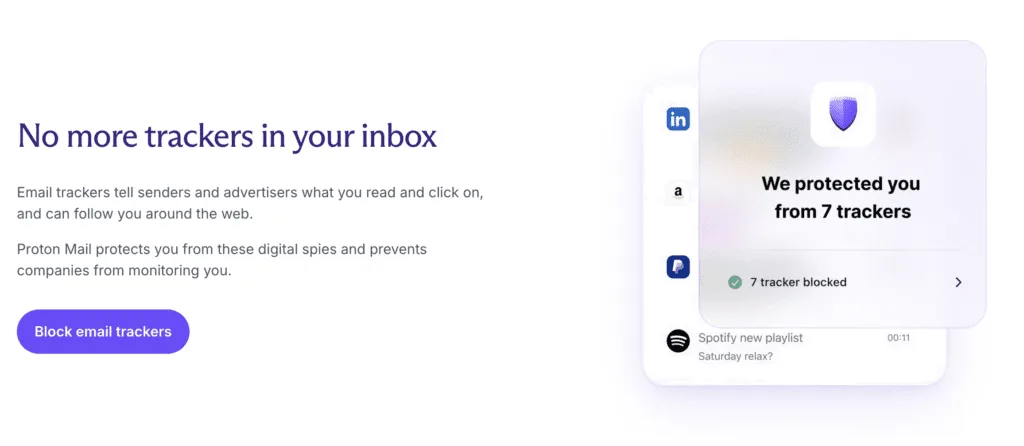
Some details remain outside that protection. Email subjects aren’t encrypted and will appear in headers or when syncing through bridge tools. Standard metadata like timestamps and routing info also stays visible across the email network because the system depends on it to deliver messages.
For messages to people outside Proton Mail without PGP, password-protected emails are an option. The sender sets a shared secret and shares a link. The recipient opens the HTTPS page and enters the secret to read the message in their browser. It’s useful, but the secret needs a safe channel. Sending both the link and the secret through the same insecure path makes phishing more likely.
Advanced users can bring their own PGP keys and sign messages per contact. Mixed threads are a tradeoff, though. If some recipients don’t support PGP, their copies fall back to TLS in transit, which isn’t end-to-end encryption.
This approach to Proton Mail encryption and zero-access security keeps message content and stored data private while acknowledging what email must expose to function.
Proton Mail mobile apps and everyday user experience
Proton Mail covers the basics and goes further with apps for web, iOS, and Android. Desktop fans who prefer Apple Mail, Outlook, or Thunderbird with a custom domain use Proton Bridge as a local encryption proxy for IMAP and SMTP. It takes a bit more setup, yet it keeps familiar tools in play while preserving security.
Search in encrypted mail isn’t instant. Subjects and basic metadata show up right away. Full message bodies take longer because Proton Mail builds local or server-side indexes from encrypted data chunks. Search often speeds up after a brief “warm up,” especially right after a big influx of mail.
Mailbox organization relies on labels instead of folders. It’s flexible, since one email can carry multiple tags at once. Bulk actions – Move, archive, delete – Work across many messages with little friction. Keyboard shortcuts cut through routine steps. Snooze hides messages until later and keeps the inbox calm. Alias management works well too. A catch-all on a custom domain pairs neatly with rules that sort new mail on arrival.
Reliability holds up. Messages arrive fast, and notifications land quickly through Firebase on Android and APNs on iOS. The bumpiest part shows up with Bridge sync on large archives. Initial sync may test patience, then steadies and stays consistent.
Contacts fit neatly into the service. PGP keys live alongside entries, so encrypted mail flows without extra effort. Calendar follows the same privacy model with end‑to‑end encryption on event details. Full encrypted sharing needs all participants on Proton, which limits collaboration with people outside the service.
How far that same privacy model carries into daily scheduling is the subject of our Proton Calendar review.
How to switch to Proton Mail from Gmail
Moving from Gmail to Proton Mail takes a few steps and a bit of patience. Import-Export works well for local migrations. Easy Switch connects through Gmail’s OAuth and pulls in emails, labels, contacts, and calendars automatically. Large mailboxes, like 50 to 100 GB, won’t migrate in an hour. Expect several hours, sometimes a couple of days, based on connection speed and mailbox size.
Custom domains add extra setup. MX records route incoming mail to Proton. SPF tells other servers Proton can send for the domain. DKIM signs outgoing messages so recipients can verify them. DMARC sets the policy for how receivers treat suspicious messages. DNS updates don’t apply instantly. Propagation across providers may take up to 48 hours before delivery and authentication reports stabilize.
Pricing and plan fit matters. The Free plan includes basic storage and a modest send limit, fine for light use without a custom domain. The Plus plan boosts storage, supports one custom domain, and adds more aliases, so personalized addresses are easier to manage. Unlimited adds more of the stack in one place: Drive storage, fully encrypted Calendar, and Proton VPN for wider privacy coverage.
Privacy and security are the big reasons people switch. Proton Mail uses zero-access encryption, so message content isn’t readable on the server. Gmail processes messages on the server side for features like ads and smart suggestions. Trade-offs show up in convenience. Gmail’s Smart Compose and deep Google Workspace integrations help with day-to-day speed, and some users miss those.
Tooling changes come next. Workflows tied to Gmail-specific CRMs or browser extensions rarely map one-to-one. Many Chrome extensions rely on Gmail’s DOM and permissions model and won’t run inside Proton’s web app. Teams that lean on those add-ons should plan alternatives or native integrations that align with Proton’s security model. It’s doable, but it takes testing and a little rethink of how tasks flow.
In short, anyone comparing Proton Mail vs Gmail for privacy and security will see a clear difference. Those evaluating Proton Mail price and plans comparison should match storage, domain needs, and VPN value to their setup. Readers looking up how to switch to Proton Mail from Gmail should expect a steady process, DNS changes that need time to settle, and a few workflow tweaks once the inbox lands in its new home.
Proton Mail pros and cons
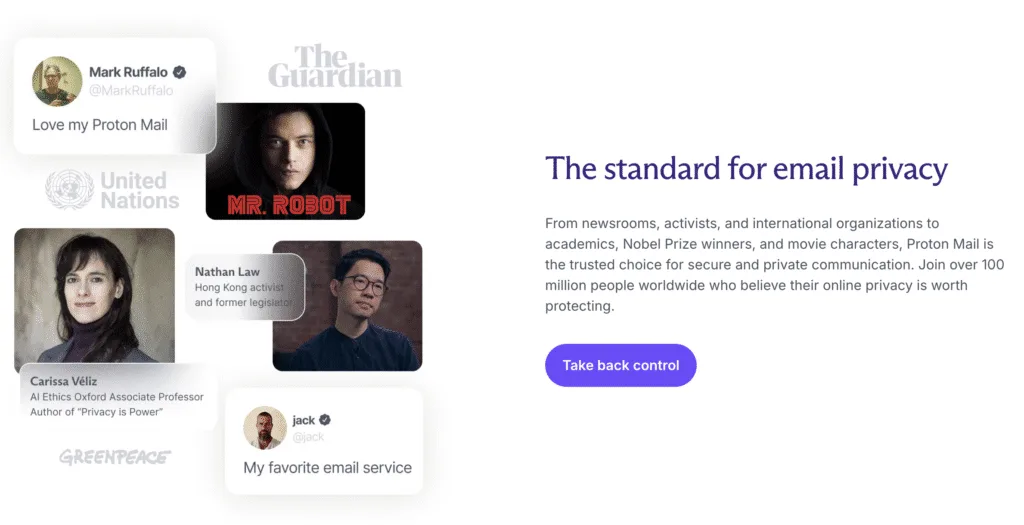
Strong end-to-end encryption and zero-access storage sit at the core, backed by strict Swiss privacy laws. Apps work on all major platforms, with support for custom domains and aliases, so it’s more than a basic encrypted inbox. This setup fits people who treat privacy as nonnegotiable – Reporters working with sources, startup teams discussing funding, or clinicians dealing with sensitive patient details.
Trade-offs show up in daily use. Subject lines and headers stay unencrypted by design, which leaves some metadata visible because of how email works. Integrations are limited compared to Gmail’s wider app network, and Bridge takes some technical effort if desktop client access matters. Search across encrypted message bodies may feel slow at first, especially if someone expects instant results.
Safety goes beyond what happens on the server. The service blocks provider scanning and data mining, but it won’t hide network activity or the fact of who contacts whom. People who need stronger anonymity should add a VPN or Tor. IP exposure depends on device and network choices, not only on the mailbox.
For compliance, the tools support HIPAA and GDPR goals in theory, but actual adherence depends on account configuration and data handling. BAAs and data processing agreements must be in place before a team relies on it for regulated work.
A low-risk way to evaluate it: try the Plus plan for a month with a custom domain, move over only key mail first, then stress-test search, mobile push reliability, and Bridge sync for one to two weeks. This hands-on test reduces surprises and shows whether the setup meets privacy needs and everyday workflow demands.
Frequently asked questions
Is Proton really secure?
Yes for message content, with limits. Proton Mail encrypts mail between Proton users end-to-end, stores mailboxes and attachments with zero-access encryption tied to the account password, and sits under strict Swiss privacy laws. Subject lines and headers stay unencrypted, and it won’t hide who contacts whom.
Leave a Reply